Look Confident on Camera Every Time with
Online Teleprompter

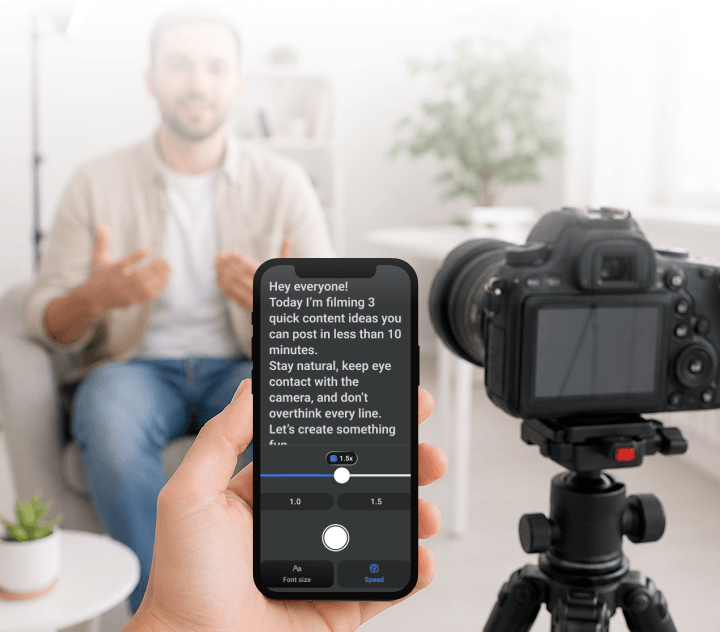
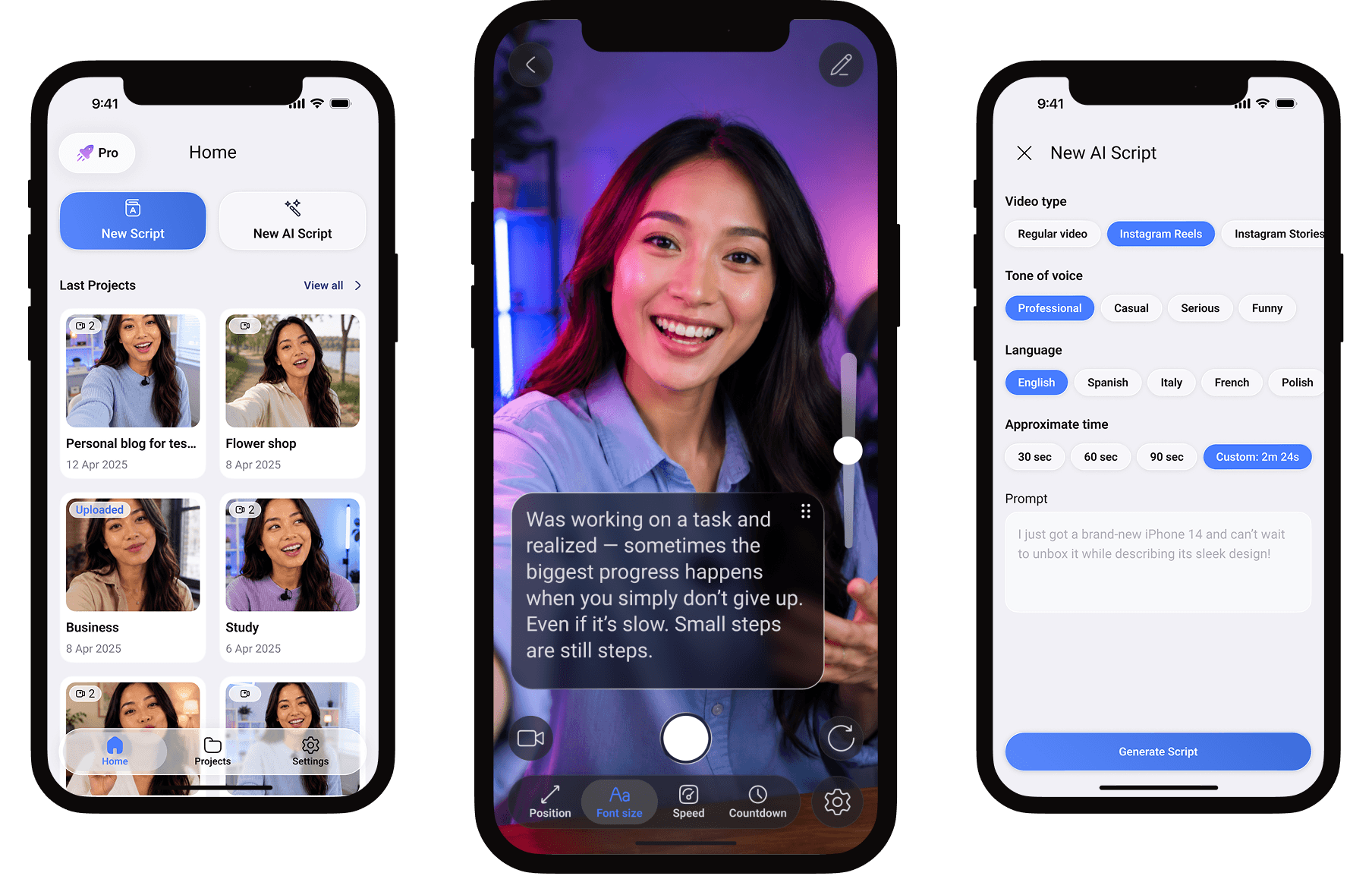
Your script stays right in front of you, so you can stay focused, fluent, and confident on camera. Perfect for quick social videos, presentations, and professional recordings.
Try Online
or
10,000+ creators
trust Teleprompter

2 Ways to Use Teleprompter

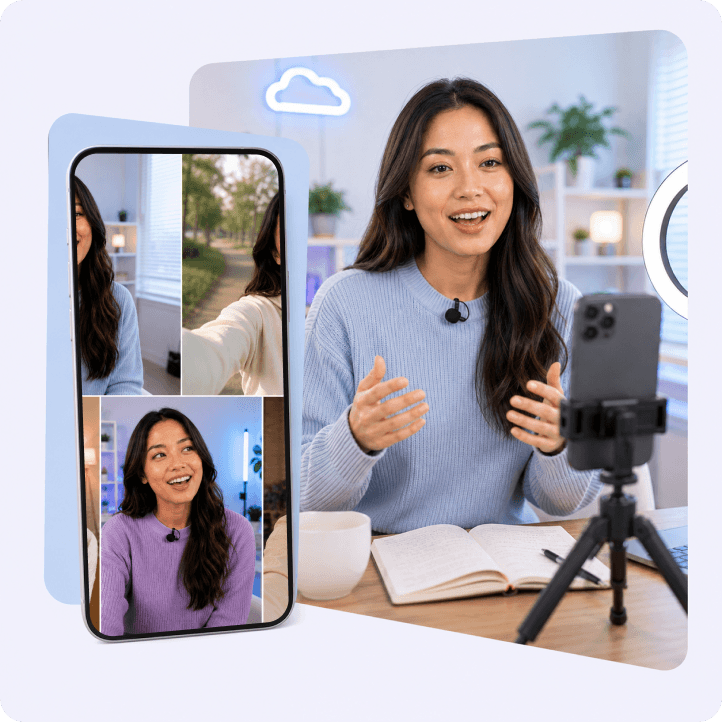
Quick Content Creation
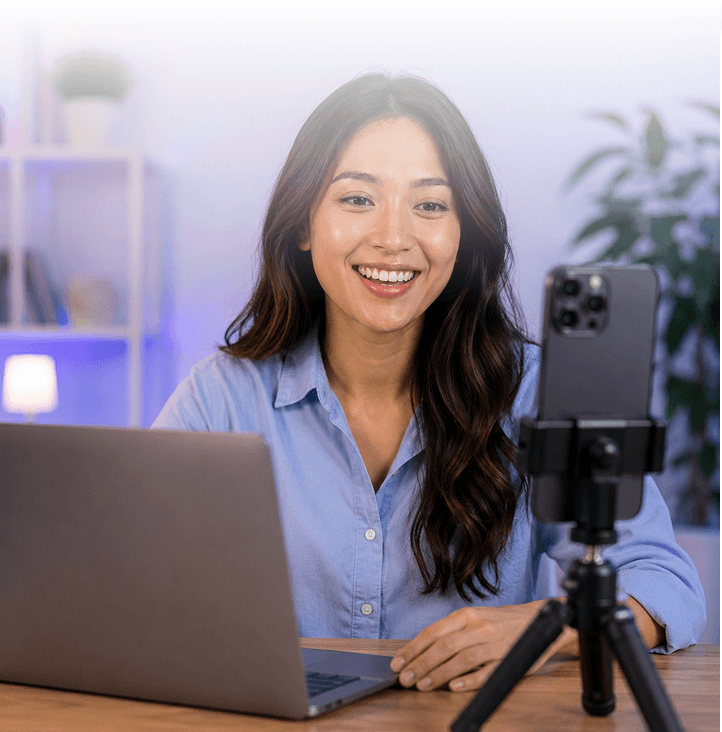
Create TikToks, Reels, and Shorts faster with a teleprompter built for content creators.
Read your script naturally, stay on message, and record smooth videos without multiple retakes.
Write → Read → Record
No setup needed
Create and publish faster
Professional Video Production
Stay focused during longer recordings, tutorials, presentations, courses, or YouTube videos with professional teleprompter.
Keep your message clear, organized, and easy to deliver from start to finish.
Follow longer scripts
Stay on track while recording
Keep complex ideas structured

Try Online
Features

Teleprompter. Everything You Need.

Powerful tools to help you create videos faster and with more confidence.
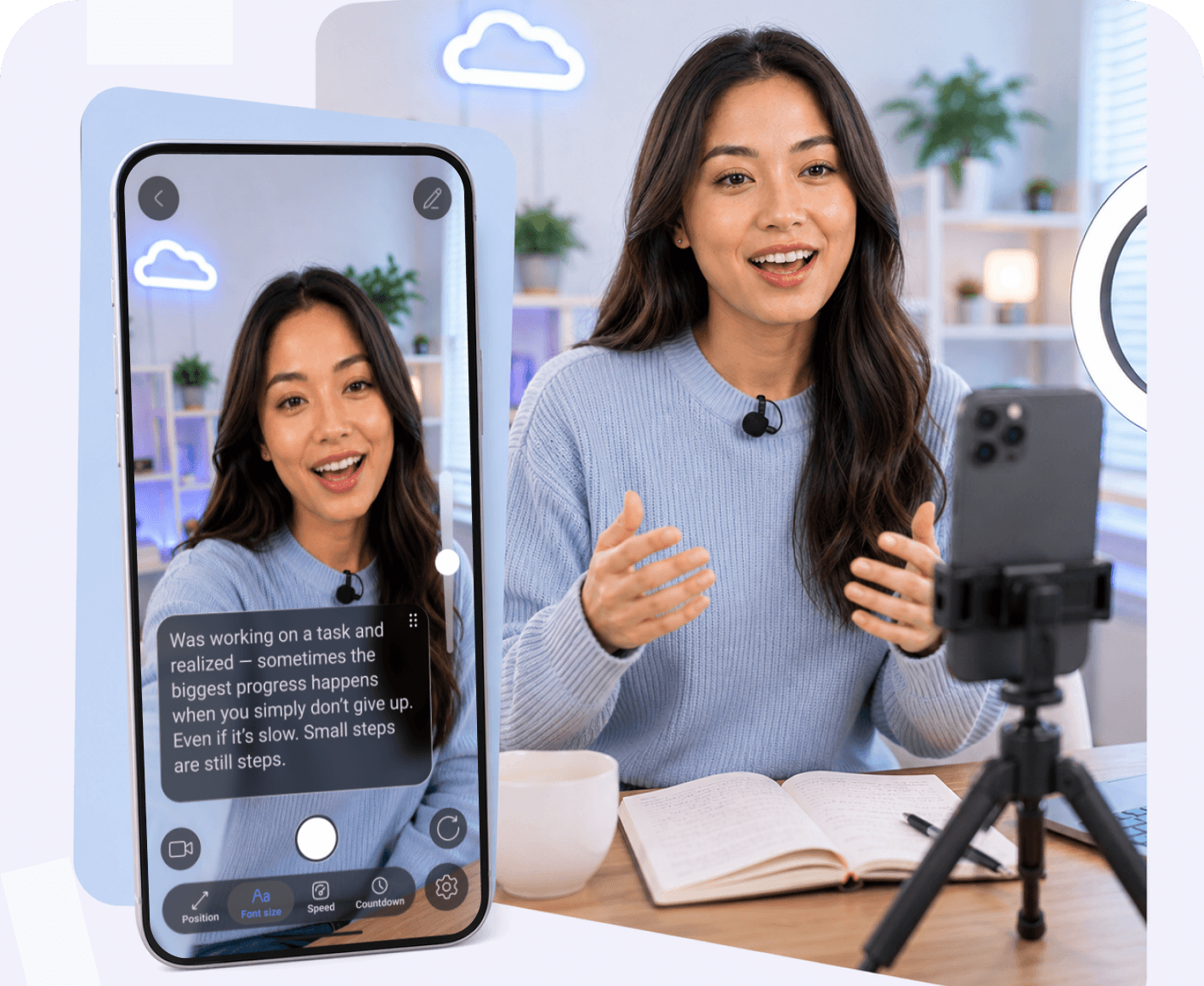
Scrolling Text: Record While You Read
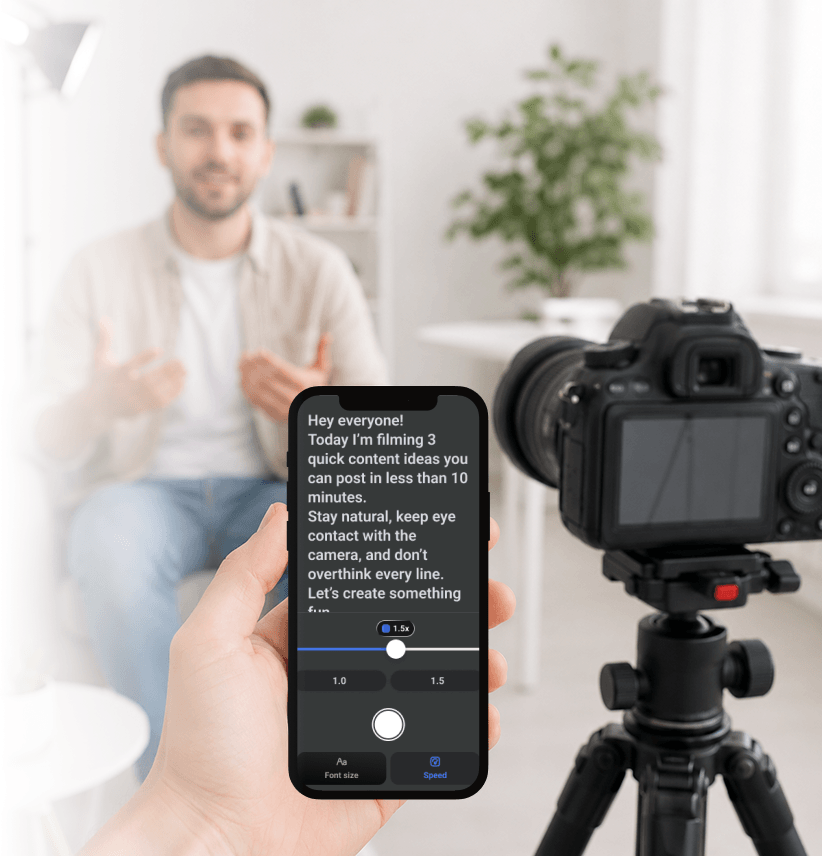
Capture video while your script scrolls in front of you. Stay focused, keep eye contact, and deliver in one smooth take.
Auto Captions
Generate captions for your videos instantly. Make your content more accessible and ready for social media without extra editing.
AI Script Writer
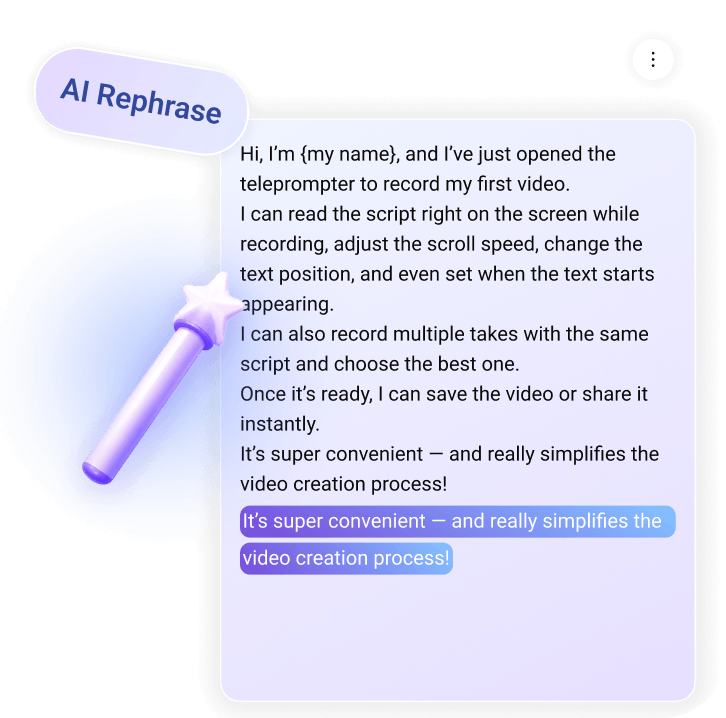
Turn rough ideas into clear, structured scripts in seconds. Rewrite, refine, or expand your content without breaking your flow.
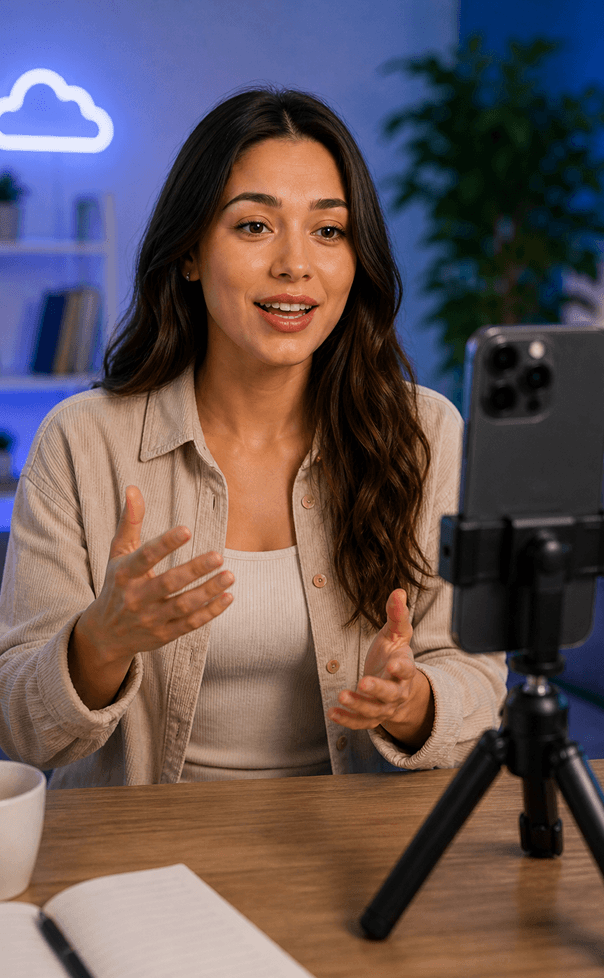
Remote Control
Control your teleprompter from another device. Adjust speed, start, or pause without touching the screen while recording.
AI Eye Contact Correction
AI helps you keep natural eye contact with your audience while following your script.
Improve engagement and deliver more confident, polished videos.

Create Videos in 3 Simple Steps

From idea to finished video — see how creators use Teleprompter in real life.
1
Write or Generate Your Script
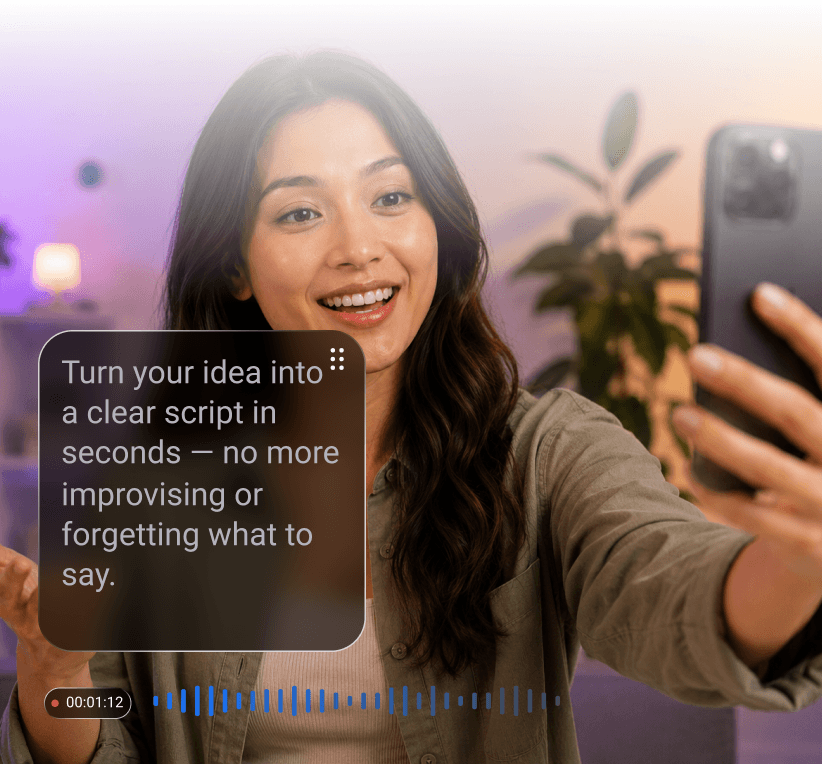
Turn your idea into a clear script in seconds — no more improvising or forgetting what to say.
2
Record with Confidence
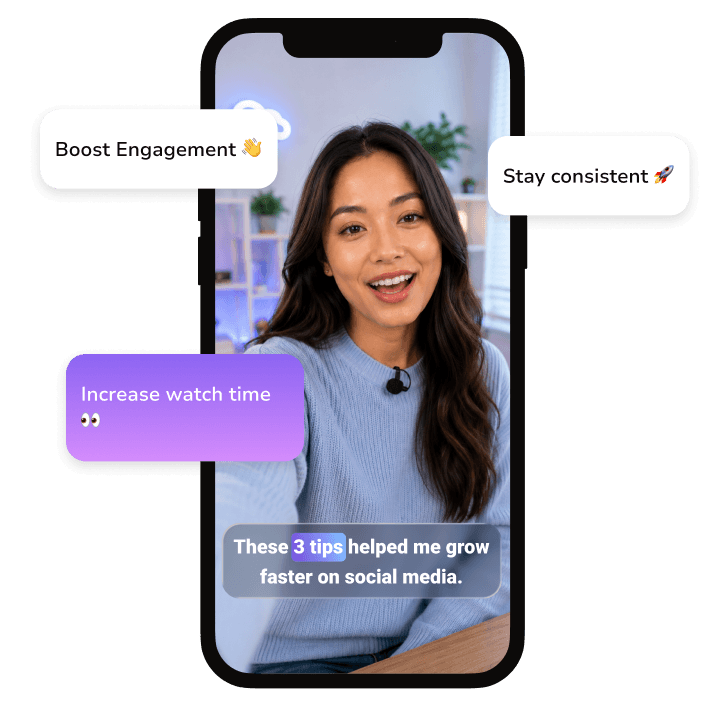
Read naturally while maintaining eye contact with thecamera — no retakes, no stress.
3
Publish Faster
Finish your video in one take and share it instantly on TikTok, Instagram, or YouTube.
1
Create or Import Your Video Script
Add your script in seconds and start turning it into asmooth video performance.
2
Control Recording Remotely
Adjust speed, pause, or restart your script from another device — no need to touch the screen.
3
Stay Natural on Camera
Maintain eye contact and deliver structured content confidently, even in long recordings.

See Real Use Cases From Our Creators

Marcus Rivera
Product Marketing Lead
2x quicker
Our updates record in one take.
“We create a lot of internal announcements, product explainers, and client-facing updates, and recording them used to require multiple takes....”
Learn more
Daniel Brooks
Realtor & Content Creator
-60% retakes
I stopped restarting every walkthrough.
“Property videos used to take forever because I constantly forgot listing details or lost my train of thought while filming. With Teleprompter, I can follow my script...”
Learn more
Marta Nguyen
YouTube Course Creator
-60% retakes
I stopped restarting every walkthrough.
“Property videos used to take forever because I constantly forgot listing details or lost my train of thought while filming...”
Learn more
Olivia Carter
Podcast Studio Producer
Remote-ready
Studio recordings became much smoother.
“In our studio setup, keeping eye contact with the camera while following long interview scripts was always difficult. Teleprompter made it easy to control scripts remotely and keep recordings...
Learn more
Emma Collins
TikTok Video Creator
3x faster
I post videos way faster.
“Before using Teleprompter, I spent more time re-recording videos than creating content. I would forget my talking points halfway through or lose confidence on camera...”
Learn more

One Teleprompter — Every Device

Access your scripts across all devices with one account

Testimonials

Ryan Keller
Perfect for Reels
I used to spend so much time trying to memorize scripts before recording. With Teleprompter, I can just focus on speaking naturally and filming content faster. It made creating Reels or TikToks way less stressful, especially when I need to batch multiple videos in one day.
Chris Moreno
Huge time saver
I record sales and marketing videos almost every day, and Teleprompter helped me cut recording time in half. I do fewer retakes, stay on script, and feel much more confident while presenting.
Maya Chen
Super smooth workflow
The remote control feature completely changed the way we record podcasts and interviews in our studio. Everything feels smoother now, and I don’t lose focus trying to remember talking points while speaking on camera.
Alex Mercer
Better long videos
Recording long-form YouTube videos became much easier because I no longer lose track of what I want to say. My tutorials feel more structured now, and I sound way more confident on camera.

Chris Moreno
Huge time saver
I record sales and marketing videos almost every day, and Teleprompter helped me cut recording time in half. I do fewer retakes, stay on script, and feel much more confident while presenting.
Sophie Alvarez
Very easy setup
I’m not very technical, so I was surprised by how simple everything felt from the beginning. I opened the app, added my script, and started recording within minutes without needing any complicated setup.
Marcus Hale
Natural on camera
Before using Teleprompter, I constantly looked away from the camera to check notes. Now I maintain eye contact naturally while still following my script, which makes my videos feel much more professional.
Noah BennettKeller
Great for teams
Our marketing team uses teleprompter for internal updates, product videos, and client presentations. It helps everyone stay consistent on camera and makes recording content much faster across the whole team.

FAQ

Got more questions? Reach out to us here
What is Teleprompter?
A teleprompter is a tool that helps you read a script naturally while recording video or speaking on camera. It can be a mobile or desktop app designed for content creators to record videos more confidently without memorizing lines. In professional production, it can also be a physical device (teleprompter rig) that works together with mobile or tablet app to display and scroll the script
Is Teleprompter better for short videos or long videos?
Teleprompter works for both. You can use it for quick content like TikTok, Reels, Shorts, or Stories, but it’s also designed for longer recordings such as YouTube videos, courses, tutorials, podcasts, interviews, and presentations. The app adapts to different recording styles and workflows.
How does the AI Script Rewriter work?
AI Script Rewriter helps turn rough ideas into structured scripts in seconds. You can generate a script from a simple topic, rewrite existing text, expand short notes, or refine your wording to sound more natural on camera. It’s useful when you want to record faster without spending too much time writing.

What devices does Teleprompter support?
Teleprompter is available on iOS, Android, macOS, and Web. You can create and manage scripts across different devices depending on your recording setup and workflow.
Do I need any special setup to start recording?
No. For quick content creation, you can simply open the app, add your script, and start recording immediately. No professional equipment or complicated setup is required.
Can Teleprompter help reduce retakes?
Yes. By keeping your script directly in front of you, Teleprompter helps you stay focused, organized, and confident on camera. Many creators use it to reduce retakes, speed up recording, and deliver videos more naturally.
Does Teleprompter work for YouTube videos and tutorials?
Absolutely. Teleprompter is especially useful for long-form content like YouTube tutorials, educational videos, online courses, podcasts, and presentations. You can follow longer scripts, stay organized, and keep your delivery smooth from start to finish.
Can I use Teleprompter with a professional camera setup?
Yes. You can use your phone or tablet together with a teleprompter rig for studio recordings, interviews, podcasts, and professional video production. Remote control support also makes it easier to manage scripts during filming.
Continue to Teleprompter
Sign in to save your progress and unlock recording, AI tools, and more.
Continue with Email
Your message has been sent
Thanks for reaching out! Our support team will get back to you as soon as possible.
Back to form
Oops! Something went wrong while submitting the form.
or
Enter security code
We’ve sent a code to your@email.com. Enter it below to continue. Didn’t get it? Check your spam folder. Codes are only sent to registered accounts.

Resend  in 30 sec

Thank you! Your submission has been received!
Oops! Something went wrong while submitting the form.
Authorization successful
Your account is ready. Let’s get started.
Opening your plan