TELEPROMPTER FOR MAC

Record Videos More Professionally With a Teleprompter for Mac

Use Teleprompter on Mac to create YouTube videos, webinars, presentations, tutorials, podcasts, and studio recordings while maintaining natural eye contact on camera.
Download now:

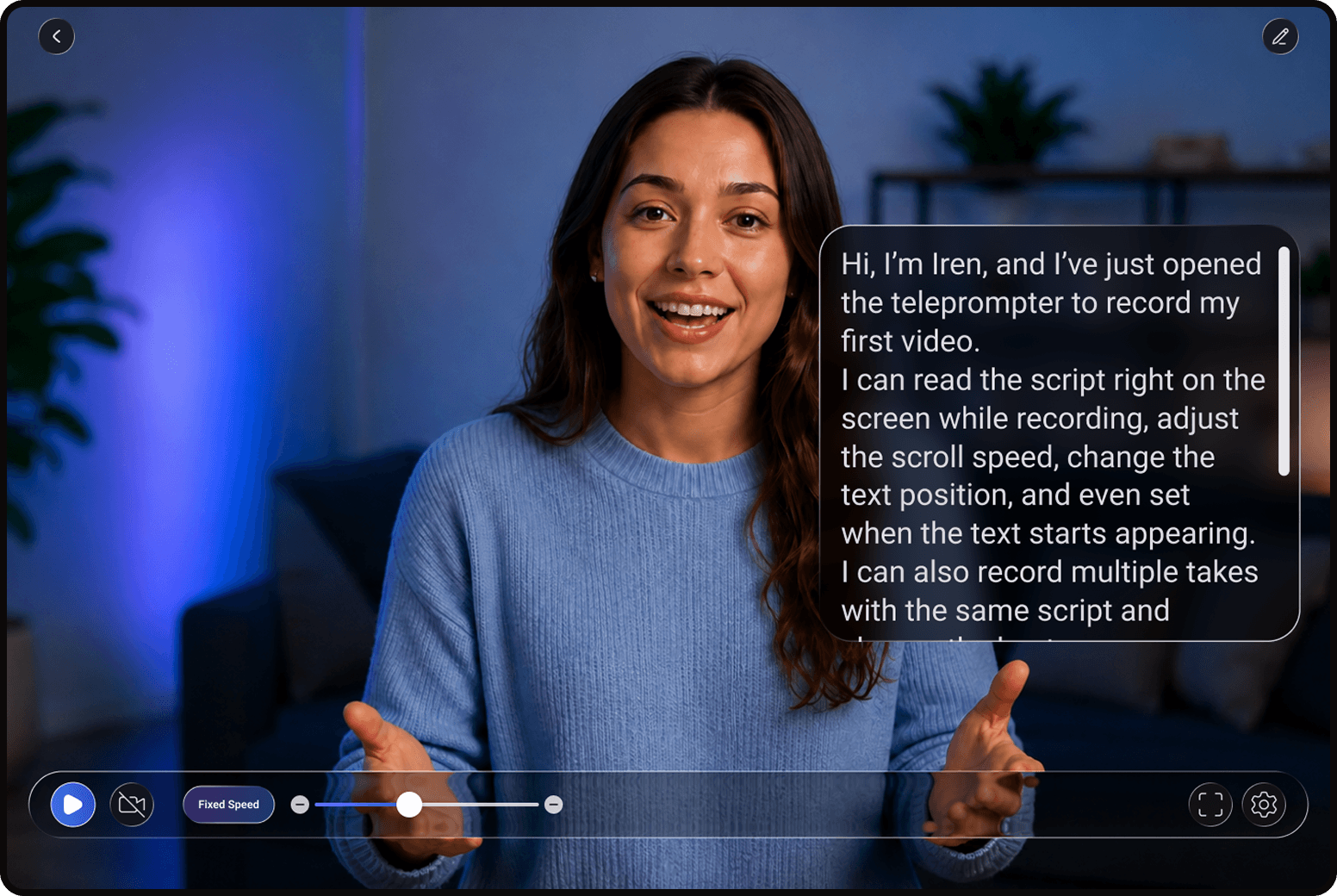
Why Creators Choose Our Teleprompter App for Mac

Built for creators, educators, remote teams, and professionals who want a smoother recording workflow on Mac and MacBook devices.
A Professional Teleprompter App for Mac Creators
Whether you’re recording educational videos, hosting webinars, creating presentations, or filming studio content, Teleprompter helps you stay focused without memorizing every line.
Our teleprompter app for Mac is designed for creators who want cleaner recordings, fewer retakes, and more natural delivery on camera.
With adjustable scrolling speed, AI script tools, and desktop-friendly controls, you can prepare scripts and record videos comfortably from your MacBook or desktop setup.
Why Creators Use Teleprompter for Mac
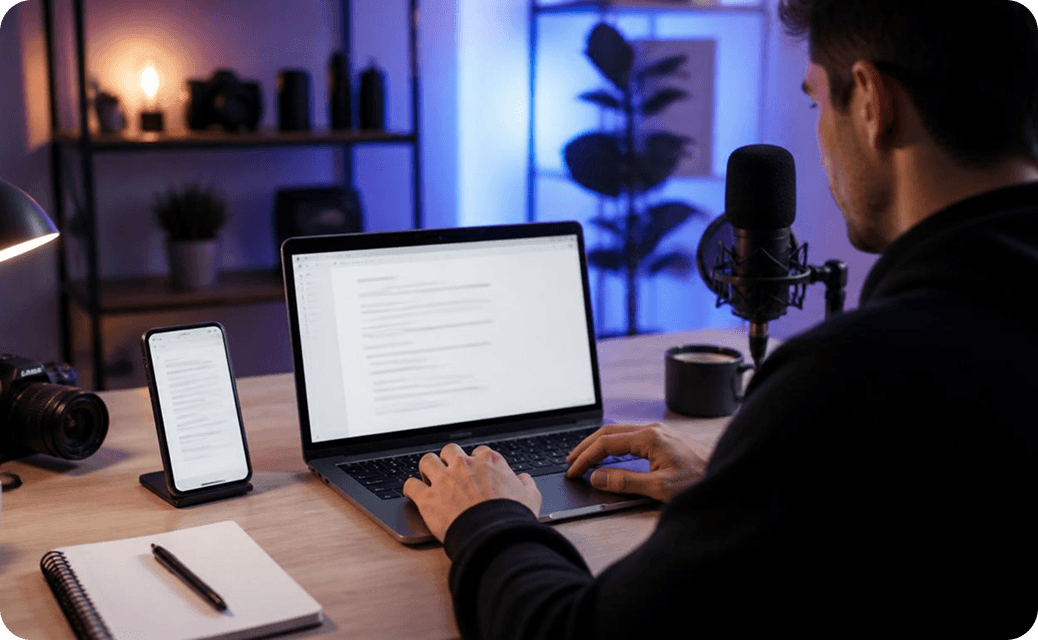
• Perfect for Desktop Workflows: Use Teleprompter on Mac with webcams, external monitors, studio cameras, and professional recording setups.
• Great for Long-Form Content: Perfect for YouTube videos, online courses, webinars, podcasts, and presentations.
• AI Script Rewriter: Generate, rewrite, shorten, or improve scripts directly before recording.
• Flexible Recording Setup: Use Teleprompter for MacBook Air, MacBook Pro, or desktop Mac creator workflows.
Download now:

Teleprompter Features

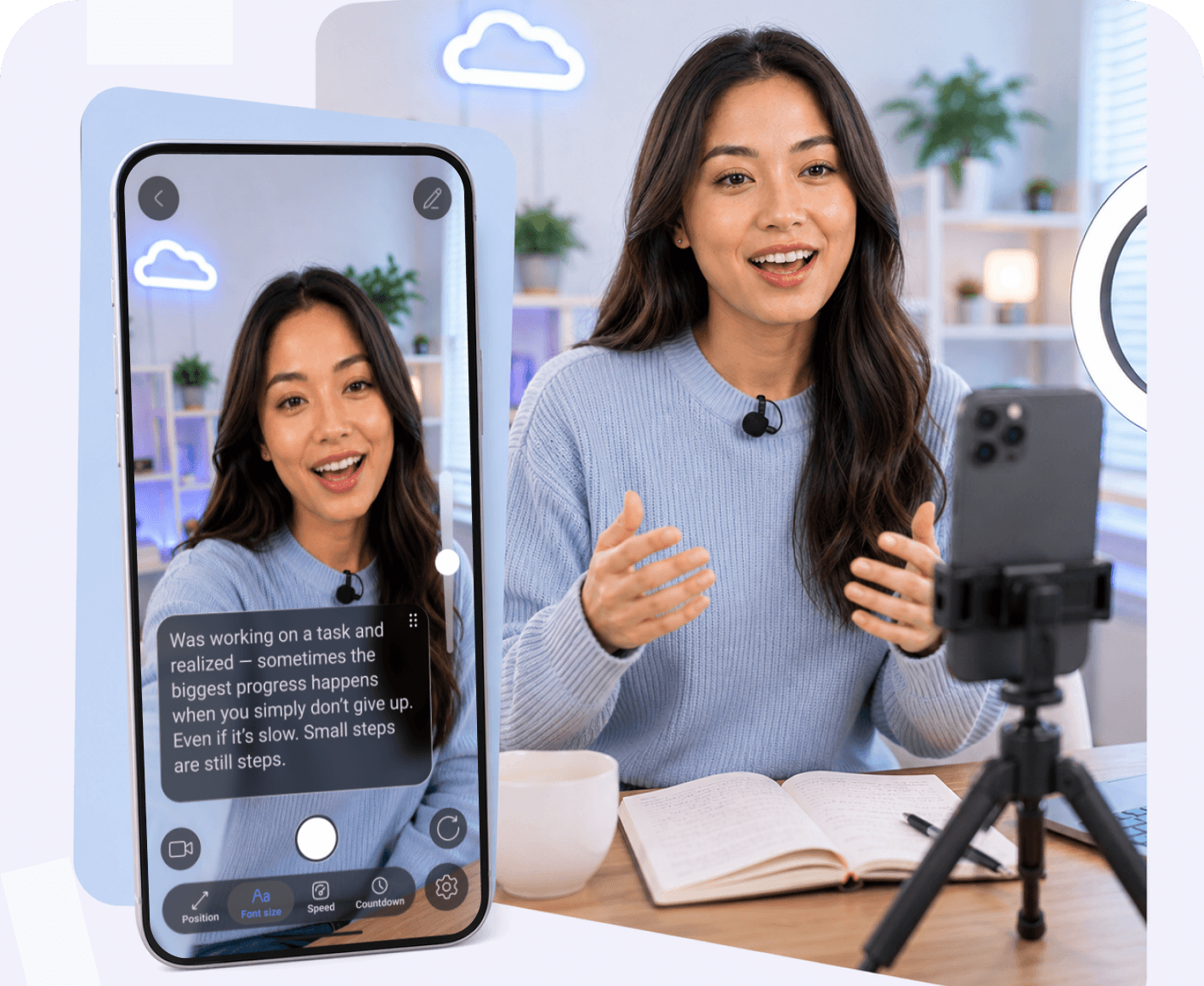
Auto Scrolling
Adjust speed to match your natural speaking pace.
AI Rewrite
Turn rough notes into clear video scripts.
Read & Record
Record directly while reading your script on screen.
Remote Friendly
Use with external devices and creator setups.

FAQ

Got more questions? Reach out to us here
Does Teleprompter work on MacBook Air and MacBook Pro?
Yes. Teleprompter supports MacBook Air, MacBook Pro, and desktop Mac workflows.
Can I use Teleprompter for webinars and online meetings?
Absolutely. Many creators and remote teams use Teleprompter on Mac for Zoom calls, webinars, presentations, and online communication.
Is this a free teleprompter app for Mac?
Yes. You can start using Teleprompter for Mac with free features and upgrade anytime for advanced tools.
Can I control scrolling speed?
Yes. You can adjust scrolling speed anytime to match your natural speaking pace.
Is this a good autocue app for Mac creators?
Teleprompter includes script editing, AI tools, and desktop-friendly controls designed for modern creator workflows.
Does Teleprompter support AI script writing?
Yes. AI tools can help generate, rewrite, shorten, and improve scripts before recording.
Continue to Teleprompter
Sign in to save your progress and unlock recording, AI tools, and more.
Continue with Email
Your message has been sent
Thanks for reaching out! Our support team will get back to you as soon as possible.
Back to form
Oops! Something went wrong while submitting the form.
or
Enter security code
We’ve sent a code to your@email.com. Enter it below to continue. Didn’t get it? Check your spam folder. Codes are only sent to registered accounts.
Resend  in 30 sec
Thank you! Your submission has been received!
Oops! Something went wrong while submitting the form.
Authorization successful
Your account is ready. Let’s get started.
Opening your plan