Professional Teleprompter Features You Should Look For in 2026

Mark Nair
10 min read
21 Mar, 2026
Navigating the world of digital content creation in 2026 requires more than just a camera and a microphone. Whether you are producing high-end corporate training modules, dynamic YouTube tutorials, or engaging social media reels, choosing the right tool is essential to speak with confidence and achieve flawless video recordings. A truly best prompter app combines advanced AI workflows with seamless cross-platform performance to help you look natural on camera every single time.
Reviewed by
Teleprompter app Team
This article was reviewed by our content and product team to ensure accuracy, clarity, and practical value for creators, educators, and professionals recording videos with teleprompter tools.

What is a Professional Teleprompter?

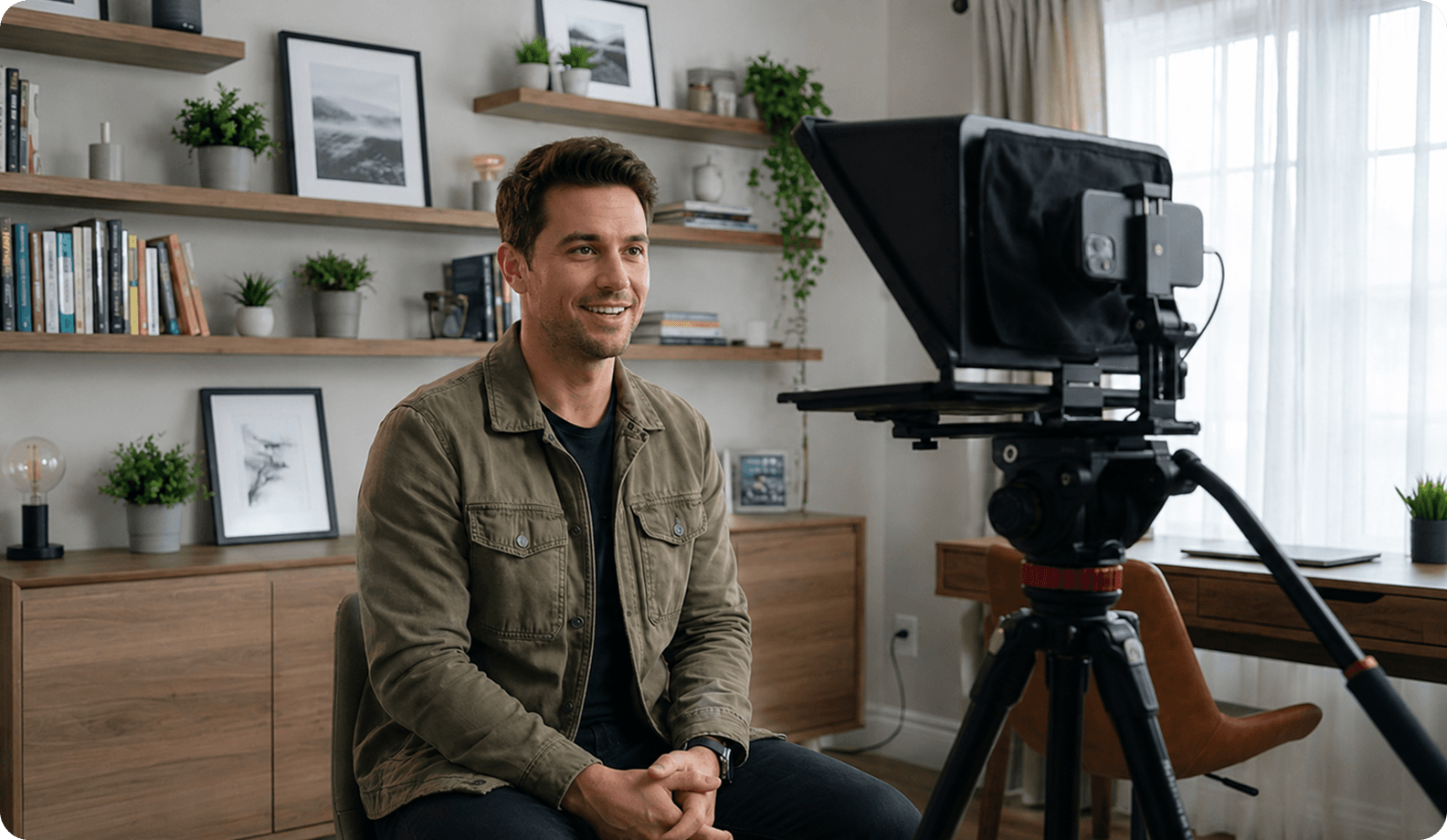
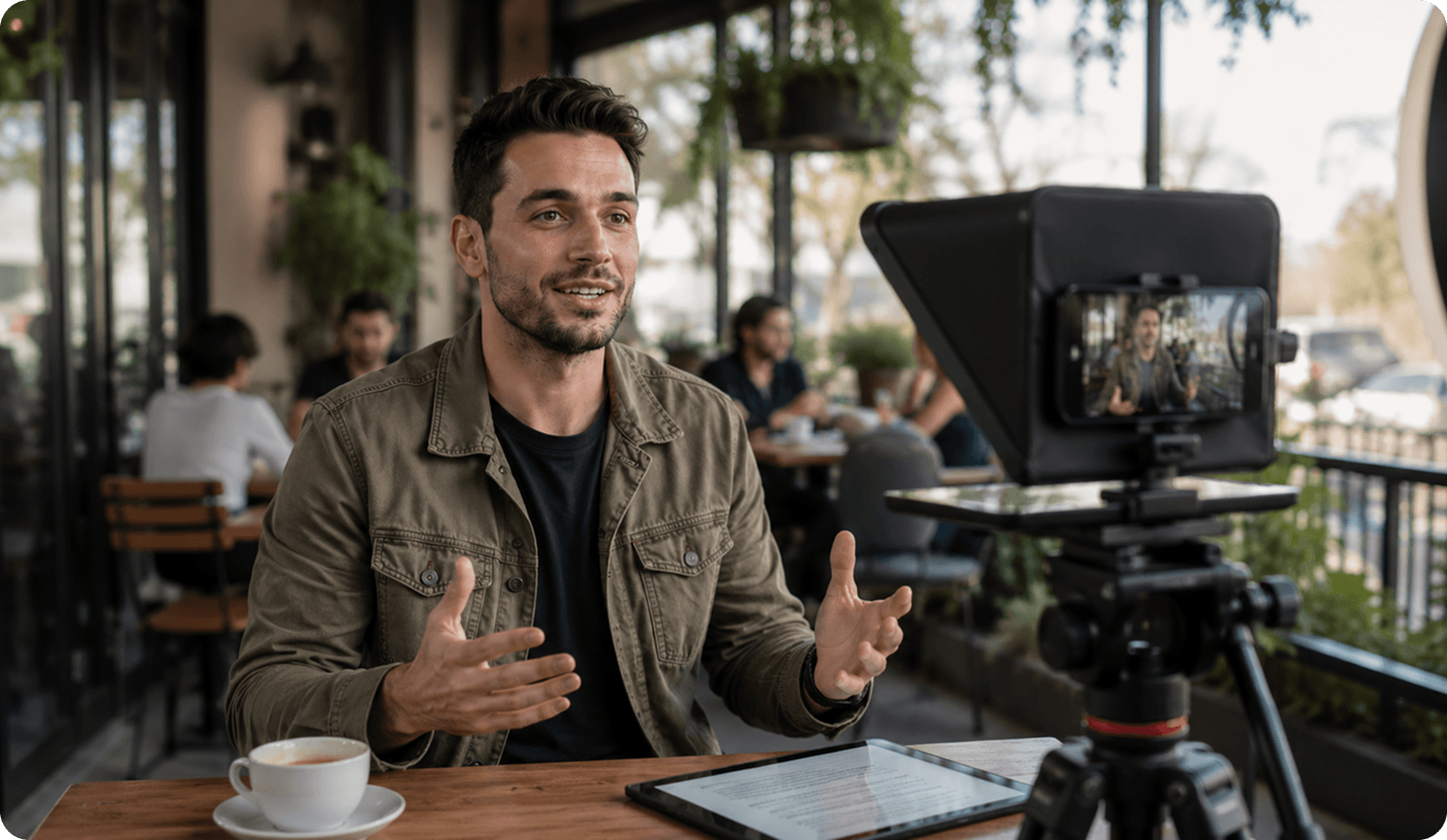
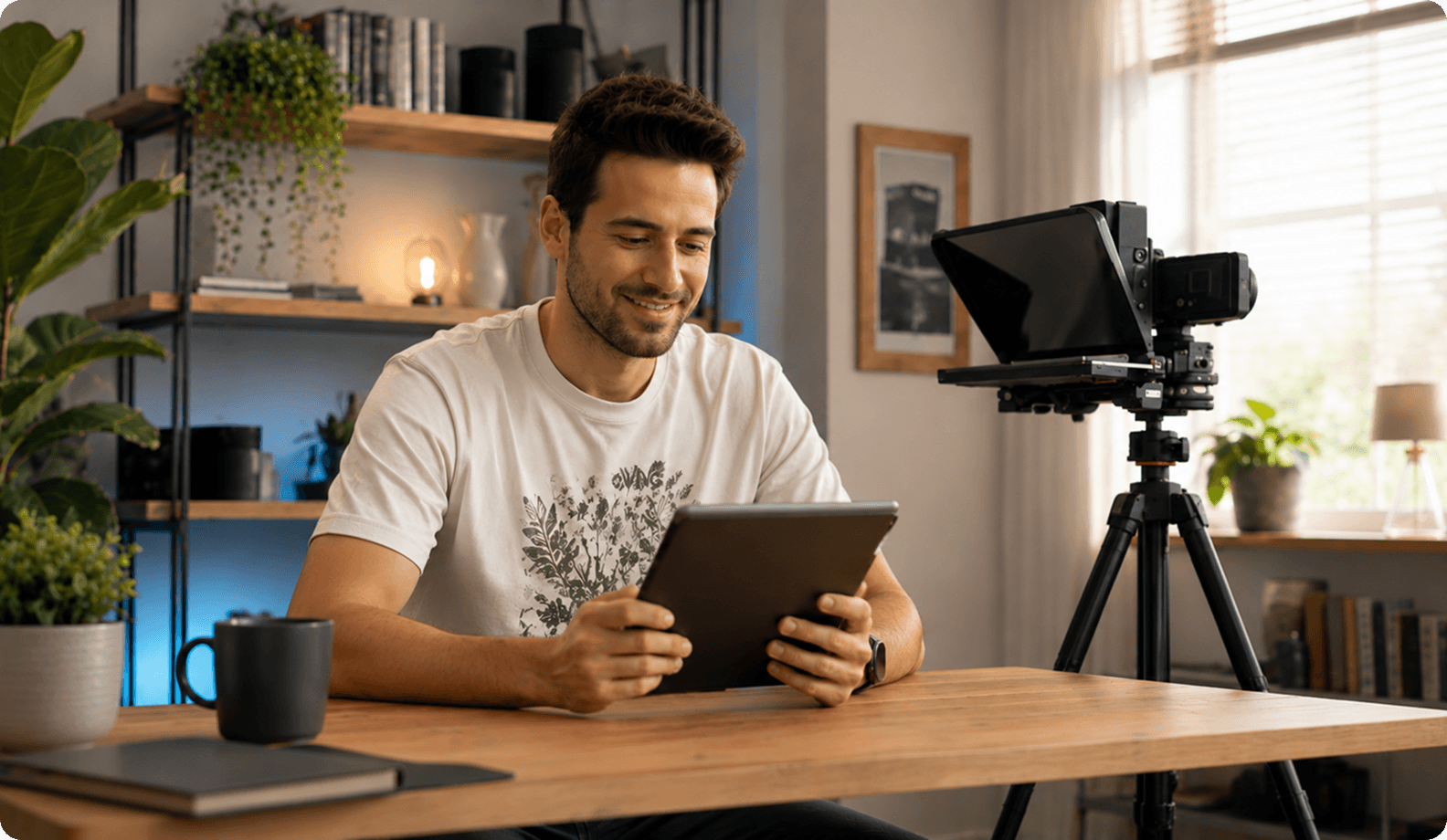
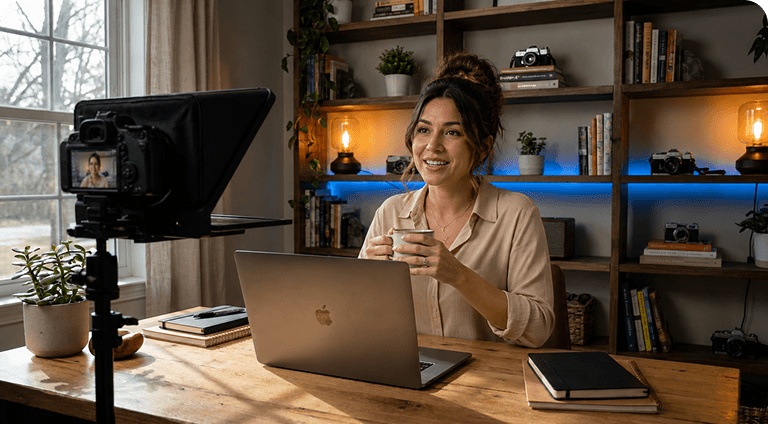
A professional teleprompter is an advanced display system or teleprompter app designed to project scrolling text directly in front of camera lenses, enabling speakers to maintain eye contact with their audience while delivering scripts word-for-word. Modern solutions have evolved far beyond bulky studio monitors, offering lightweight software suites that empower creators to record without memorizing lengthy monologues, stay on script, and produce professional videos efficiently across all devices.

Remote Control

A remote control teleprompter lets you start, pause, resume, or adjust script scrolling without touching the device displaying your script. This is especially useful when recording alone or filming at a distance from the camera.

Most modern teleprompter apps support Bluetooth remotes, smartphones, or tablets as controllers, making it easy to change the scrolling speed or pause at the right moment. Instead of walking back to your device after every take, you can keep recording while staying in position.

Adjustable scroll speed

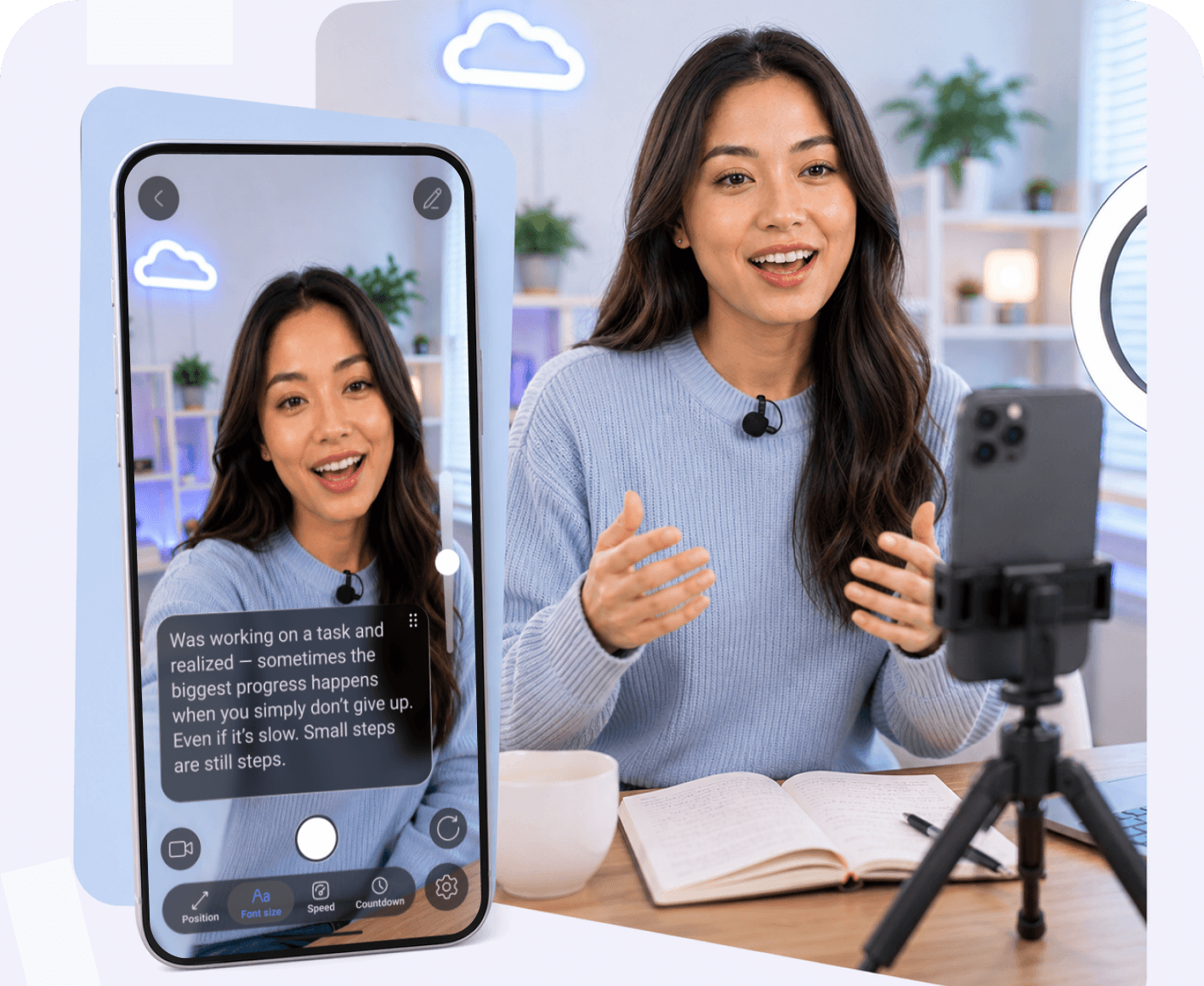
Everyone speaks at a different pace, and that pace can change throughout a recording. That's why adjustable scroll speed is one of the most important teleprompter features.

Instead of adapting your delivery to the script, you can adjust the scrolling speed to match the way you naturally speak. If you need more time to emphasize a point or speed up during shorter sections, you can change the pace in seconds without editing the script.

Combined with voice activated scrolling, adjustable speed creates a smoother reading experience and helps you speak naturally, maintain eye contact, and stay on script. It also minimizes awkward pauses, prevents rushing through key messages, and helps reduce retakes during video recording.

Mirroring mode

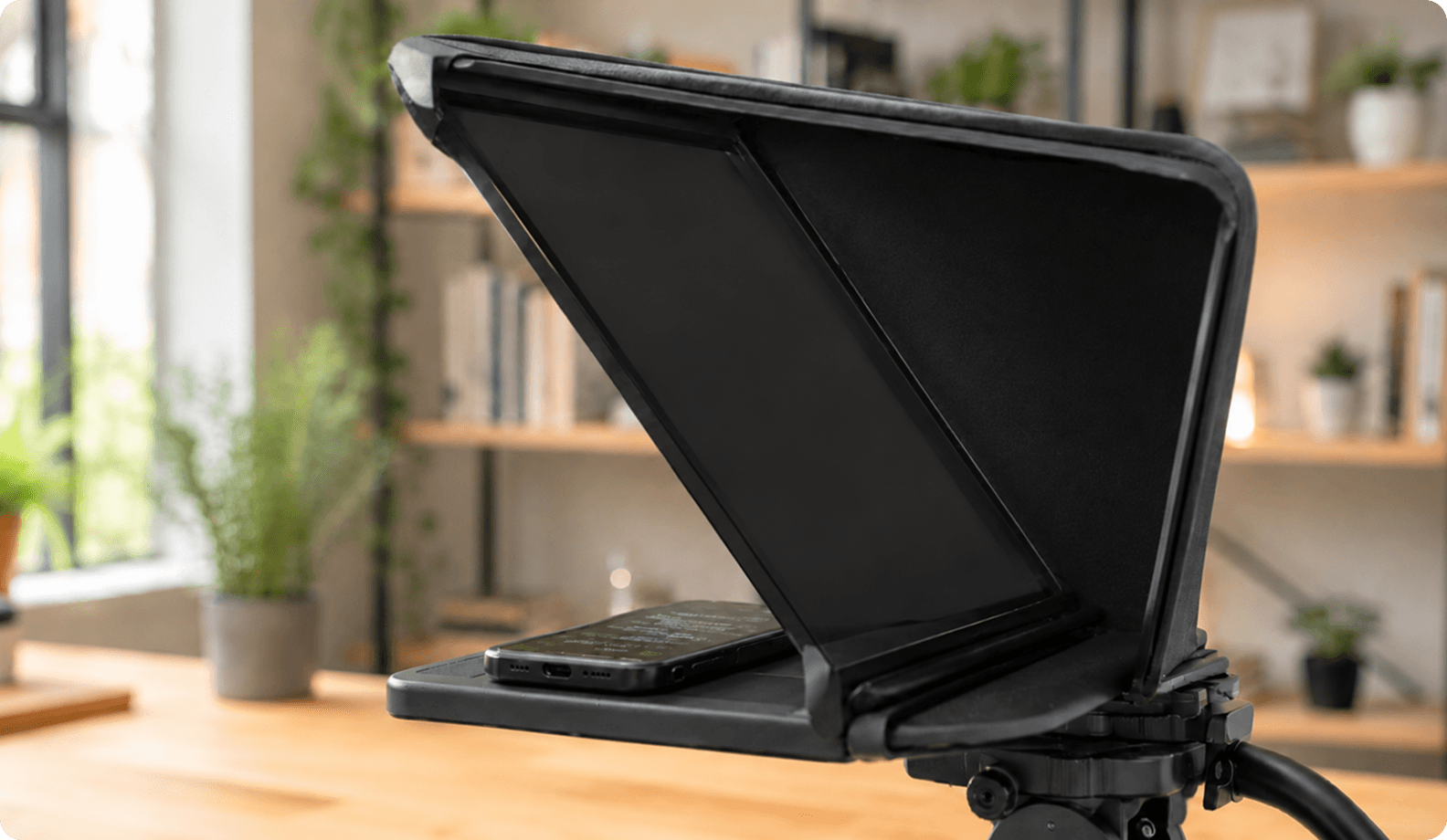
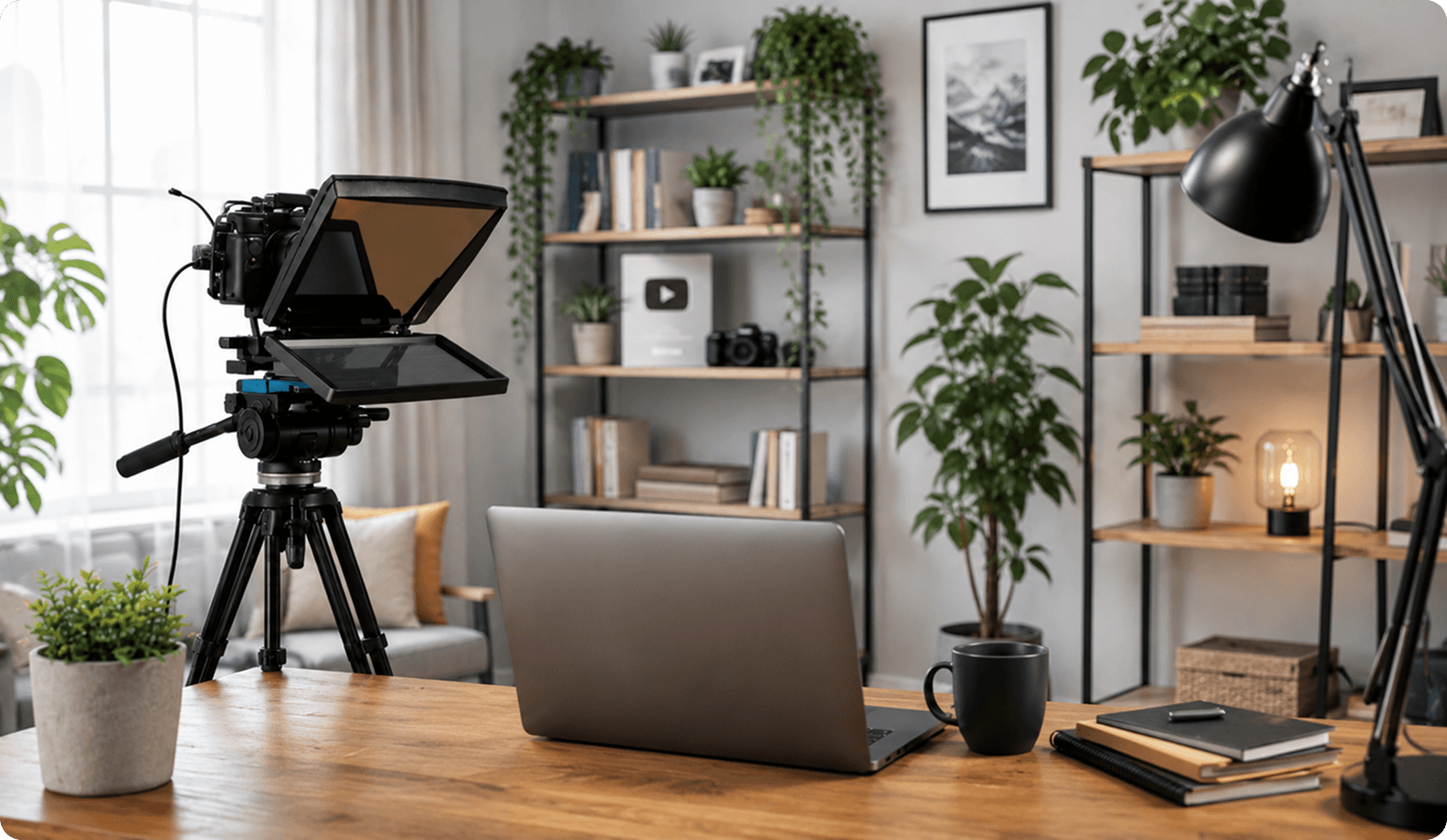
Mirror mode is essential if you're using a physical teleprompter with beam-splitter glass. The glass reflects the screen, so the script must be displayed in reverse to appear readable from the camera side.

Instead of relying on third-party software or device settings, a teleprompter app with built-in mirror mode flips the text instantly with a single click. This makes setup faster and ensures your script is displayed correctly every time.

Whether you're recording with a smartphone, tablet, or a desktop teleprompter, mirror mode allows your teleprompter hardware to work as intended, so you can maintain eye contact, read while recording, and create professional videos without distractions.

One Teleprompter — Every Device

Access your scripts across all devices with one account
Try Online
or

Mobile + desktop sync

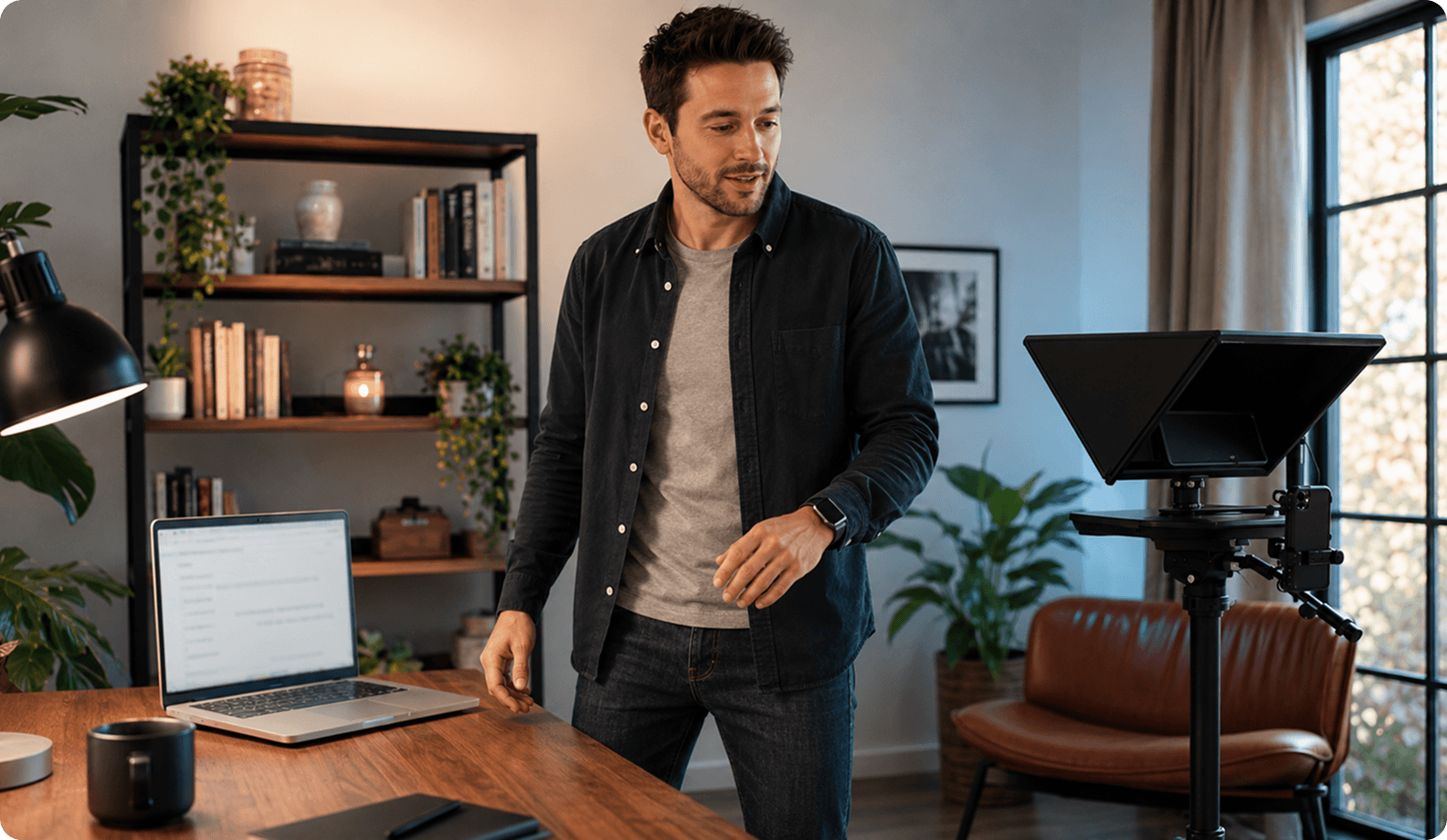
Many creators write scripts on a computer but record videos using a phone or tablet. Mobile + desktop sync keeps your scripts available across devices, so you can switch between editing and recording without exporting or copying files.

For example, you can prepare a script on your desktop, make last-minute edits on your laptop, and immediately open the updated version on your phone before recording. Everything stays in sync, saving time and reducing the risk of using an outdated script.

Whether you're using a mobile teleprompter or a desktop teleprompter, synchronization creates a seamless workflow that lets you stay on script, record with confidence, and focus on creating content instead of managing files.

AI script tools

Artificial intelligence streamlines both script creation and on-camera delivery. An integrated AI script generator can help you brainstorm ideas, generate a first draft, rewrite existing text, or adapt a script for different platforms and audiences in seconds.

Many modern teleprompter apps also include AI-powered features such as AI eye contact, helping videos look more natural by correcting minor gaze deviations. Together, these tools speed up content creation, help you record without memorizing, speak naturally, and reduce retakes.

Auto Captions

Automatic captions save time by generating subtitles as you record or immediately after your video is finished. Instead of creating captions manually, you can review the generated text, make quick edits if needed, and export a video that's ready to publish.

Advanced AI captions improve accuracy by recognizing punctuation, speaker pauses, and natural sentence structure. This helps make your videos more accessible, increases viewer engagement, and speeds up the post-production workflow for social media, tutorials, and business content.

Watch Teleprompter in Action

Follow this gentle routine designed for seniors to improve balance, flexibility, and relaxation.

FAQ

Got more questions? Reach out to us here
What are the most important features in a professional teleprompter in 2026?
Key essentials include adjustable scroll speed, remote control teleprompter integration, multi-platform mobile + desktop sync, and smart AI capabilities like AI eye contact correction to guarantee flawless video recordings.
Why is adjustable scrolling speed so important?
It allows you to match your exact vocal cadence, ensuring you speak with confidence, stay on script, and avoid sounding rushed or robotic on camera.
What is mirror mode in a teleprompter and why do I need it?
Mirror mode reverses your text horizontally so that when it reflects off physical beamsplitter glass in a professional studio rig, it appears right-side up and readable.
How does remote control improve teleprompter usage?
A wireless remote or secondary device lets you start, pause, or speed up text playback hands-free, letting you look directly at the camera without awkward physical interruptions.
Do I need a teleprompter app if I already have hardware?
Yes! Hardware glass rigs require software to display and scroll the text. A modern teleprompter app provides the smooth rolling text, AI enhancements, and customization needed to operate your hardware successfully.
Continue to Teleprompter
Sign in to save your progress and unlock recording, AI tools, and more.
Continue with Email
Your message has been sent
Thanks for reaching out! Our support team will get back to you as soon as possible.
Back to form
Oops! Something went wrong while submitting the form.
or
Enter security code
We’ve sent a code to your@email.com. Enter it below to continue. Didn’t get it? Check your spam folder. Codes are only sent to registered accounts.
Resend  in 30 sec
Thank you! Your submission has been received!
Oops! Something went wrong while submitting the form.
Authorization successful
Your account is ready. Let’s get started.
Opening your plan