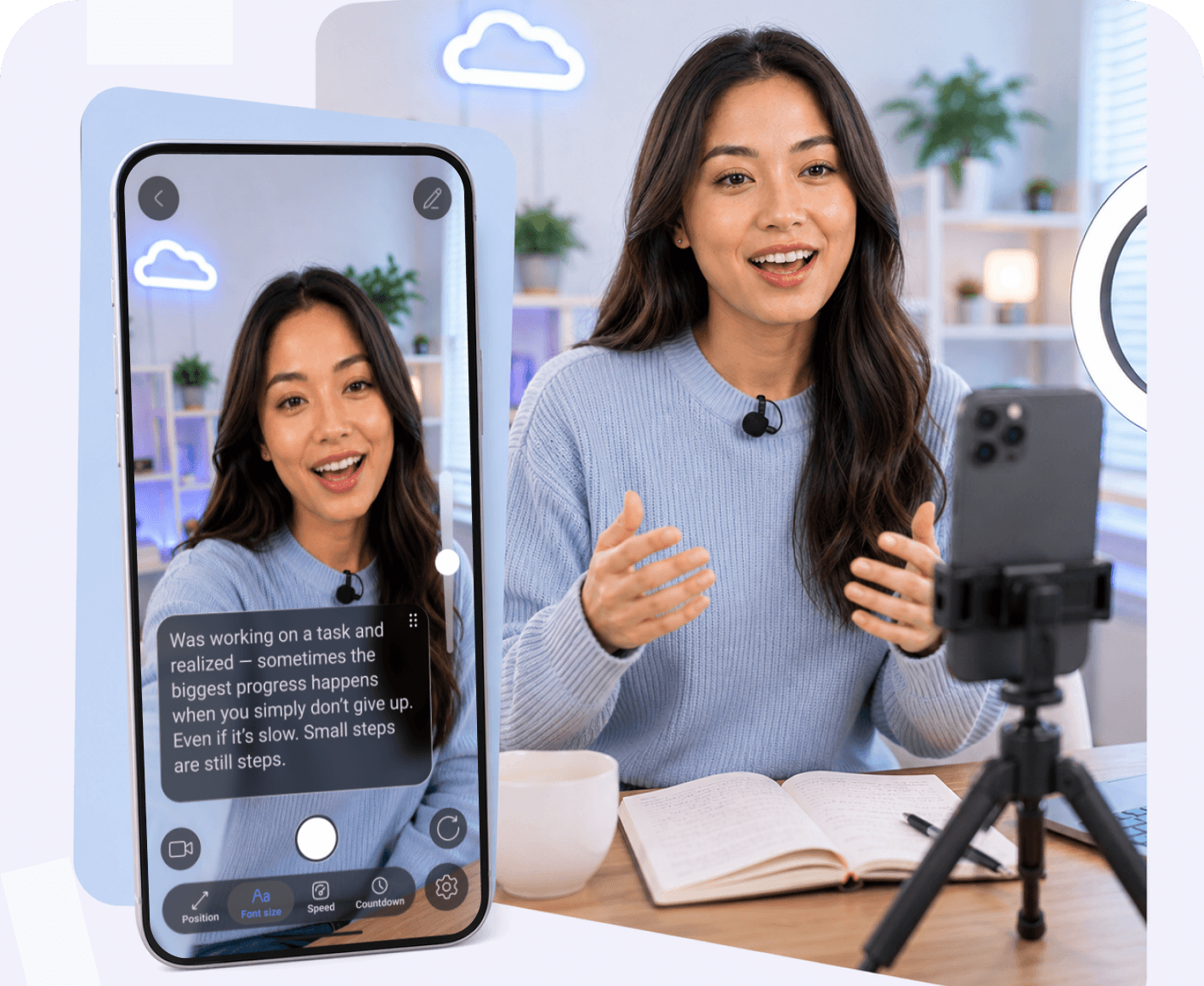
How to Select the Best Professional Teleprompter for Video Recording

Emma Brooks
10 min read
03 Apr, 2026
Creating professional videos requires absolute precision, flawless delivery, and a seamless production workflow. Whether you are filming high-converting marketing pitches or educational courses, knowing how to choose the right gear and software allows you to speak with confidence and record without memorizing. Finding the best prompter app combined with reliable hardware ensures you look natural on camera every single time.
Reviewed by
Teleprompter app Team
This article was reviewed by our content and product team to ensure accuracy, clarity, and practical value for creators, educators, and professionals recording videos with teleprompter tools.

What is a Professional Teleprompter?

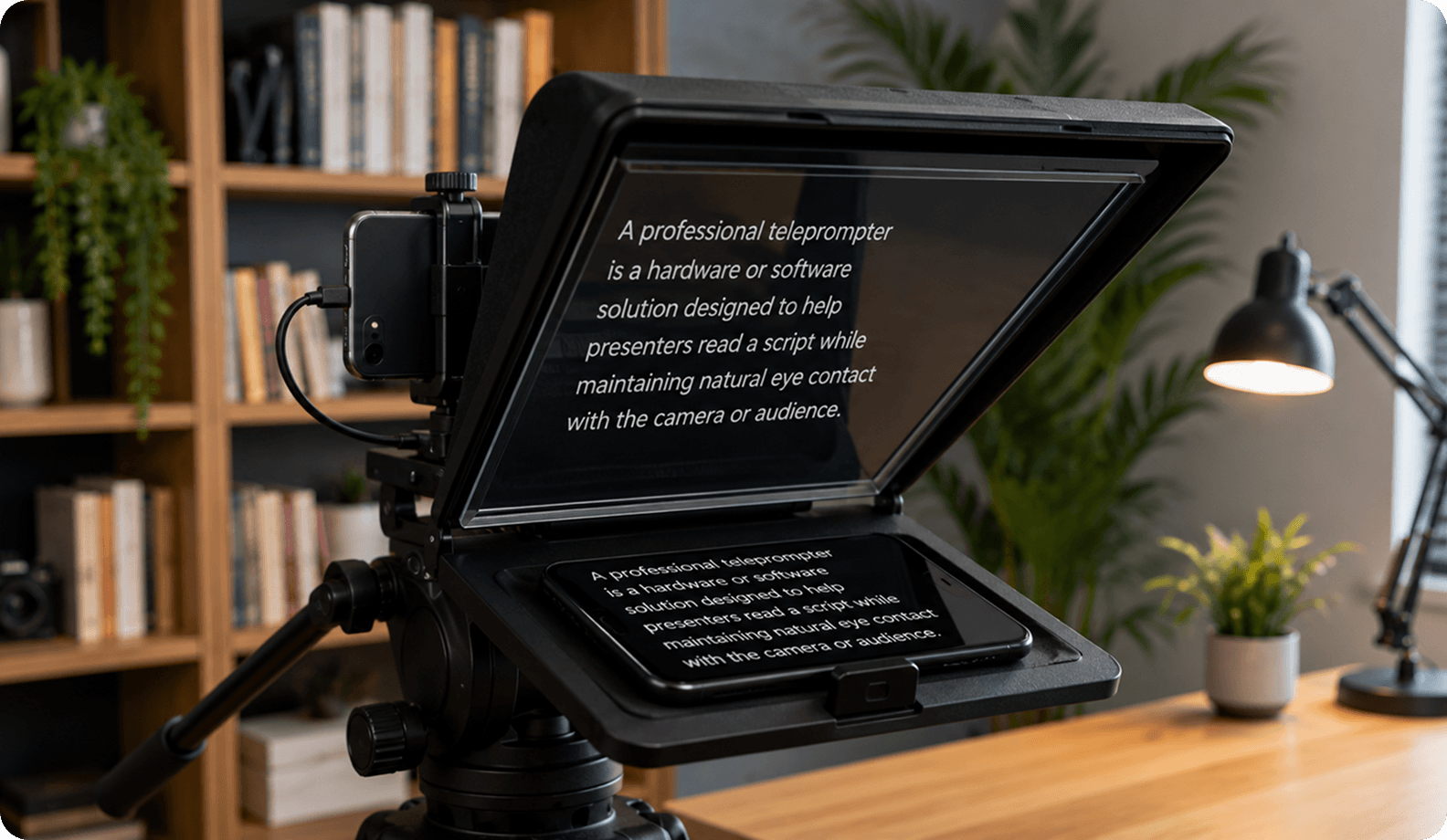
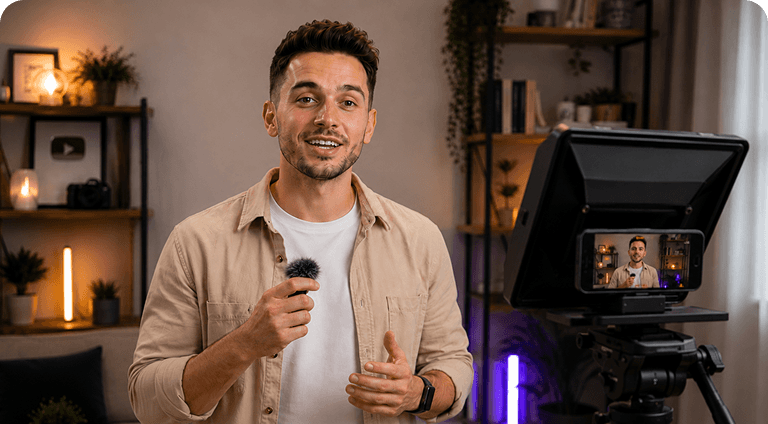
A professional teleprompter is a hardware or software solution designed to help presenters read a script while maintaining natural eye contact with the camera or audience. Unlike basic scrolling text apps, professional teleprompters offer advanced features that improve recording quality and make video production more efficient.

Modern professional solutions may include voice activated scrolling, mirror mode, remote control teleprompter, adjustable scroll speed, AI script generator, AI eye contact, and automatic captions. These features help creators stay on script, reduce retakes, speak confidently, and produce professional videos with a smoother recording workflow.

How to Choose a Physical (Hardware) Professional Teleprompter

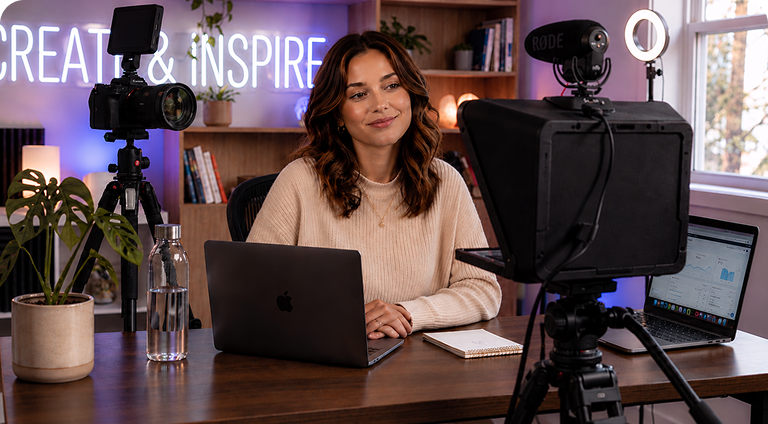
Choosing a physical teleprompter is about more than finding the largest screen or the lowest price. The right setup should match your camera, recording environment, and workflow while remaining easy to assemble and transport.

• Check Compatibility with Your Camera
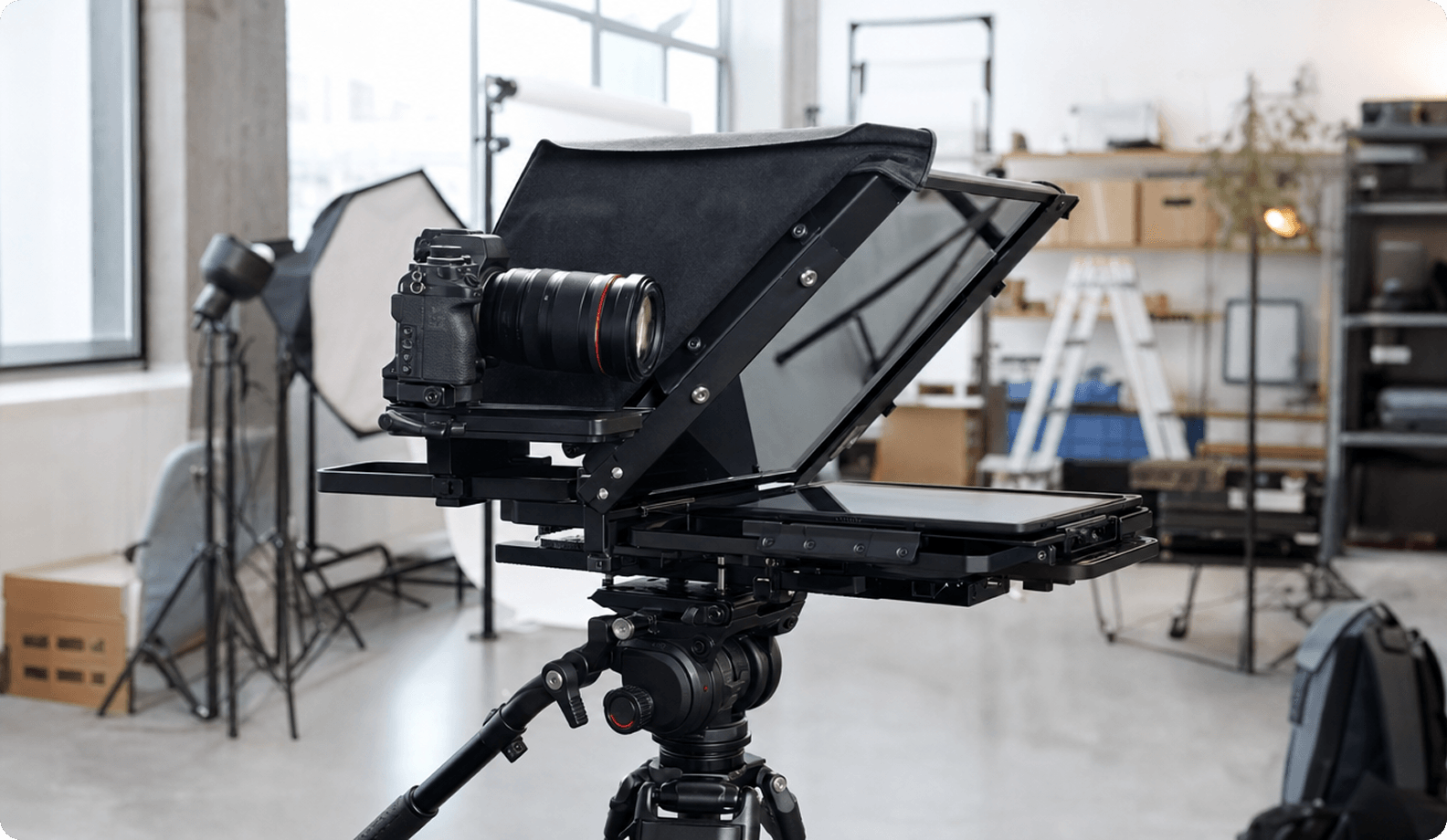
Before buying a teleprompter, make sure it's compatible with your camera and lens. Check the supported camera type (DSLR, mirrorless, or cinema camera), maximum lens diameter, and mounting system. A properly aligned setup prevents vignetting and ensures the reflected script sits directly in front of the lens.

• Look at Glass Quality and Beam Splitter Ratio
The quality of the beam-splitter glass directly affects both readability and video quality. Professional teleprompters use optical glass with a balanced light transmission ratio, allowing the script to remain clear while letting enough light reach the camera sensor. This results in a bright image and easy-to-read rolling text during recording.

• Consider Screen Brightness and Visibility
Most hardware teleprompters use a tablet, smartphone, or monitor as the script display. Make sure the teleprompter supports the screen size of your preferred device, whether it's an ipad prompter, an Android tablet, or a dedicated monitor. A brighter display is especially important when filming outdoors or in brightly lit studios.

• Evaluate Build Quality and Portability
If you regularly film outside the studio, look for a lightweight design with quick-release mounting and a protective carrying case. Portable systems are faster to set up, easier to transport, and ideal for creators who switch between office, home, and on-location shoots.

Why a Professional Teleprompter App Completes Your Setup

Hardware is only one part of a professional teleprompter setup. While the hardware reflects your script in front of the camera lens, the software determines how you interact with it. A professional teleprompter app provides the controls and features that make recording smoother, faster, and more comfortable.

• Hardware Only Displays Your Script — The App Controls the Experience
A physical teleprompter simply reflects the text displayed on your device. The app controls how that text appears by managing script scrolling, formatting, scrolling text, mirror mode, and playback settings. It also lets you organize scripts and quickly switch between projects without additional setup.

• Remote Control Gives You Full Hands-Free Recording
A remote control teleprompter allows you to start, pause, or adjust script playback without touching the recording device. This is especially useful when filming alone, as you can control the teleprompter from behind the camera while remaining in position and focused on your presentation.

• Real-Time Control Makes You Sound More Natural
Everyone speaks at a different pace, so a fixed scrolling speed rarely works well. Features like adjustable scroll speed and voice activated scrolling let the script follow your natural rhythm instead of forcing you to match the text. This helps you speak naturally, stay on script, and deliver your message more confidently.

• A Pro Teleprompter App Improves Eye Contact
Modern teleprompter apps help presenters maintain better eye contact by displaying the script close to the camera lens. Some platforms also include AI eye contact, which can correct minor gaze deviations during post-processing. Together, these features help you look directly at the camera and create more engaging videos.

• Script Management Saves Time in Production
Professional apps make it easy to organize scripts into folders, edit them across multiple devices, and keep everything synchronized. Instead of searching through documents or copying files before every recording, you can open the latest version instantly and focus on filming. A well-organized workflow helps reduce retakes, record with confidence, and speeds up content production.

One Teleprompter — Every Device

Access your scripts across all devices with one account
Try Online
or

Key Features to Look For in a Pro Teleprompter

The best teleprompter apps do much more than display scrolling text. They simplify recording, improve script delivery, and help creators produce professional videos with fewer interruptions. Here are the features that make the biggest difference in everyday use.

• Hands-Free Remote Control Support
A remote control teleprompter lets you start, pause, and control script scrolling without touching your recording device. This is especially valuable for solo creators, allowing you to stay in position, maintain eye contact, and keep recording without interrupting your workflow.

• Smooth and Adjustable Script Scrolling
Every presenter has a different speaking pace, so your teleprompter should adapt to you, not the other way around. Features like adjustable scroll speed and voice activated scrolling help you speak naturally, stay on script, and make recording more comfortable.

• Eye Contact Optimization for Natural On-Camera Presence
Looking directly at the camera helps build trust and keeps viewers engaged. Lens-aligned text placement, combined with AI eye contact technology, helps correct small gaze deviations so your videos appear more natural and professional.

• Mirroring Mode
Mirror mode is a must-have feature for anyone using a physical teleprompter. Since beam-splitter glass reflects the screen, the script must be displayed in reverse so it appears readable while recording. Built-in mirror mode flips the text instantly, eliminating the need for third-party software or manual display settings. This simplifies the setup process, ensures the script is always displayed correctly.

• Script Management and Quick Editing
Managing multiple scripts becomes much easier when everything is stored in one place. A professional teleprompter app should let you organize scripts into folders, make quick edits, and keep changes synchronized across devices, so the latest version is always ready to use. Instead of switching between documents or copying text, you can update your script directly in the app and start filming immediately.

• Device Compatibility (Phone, Desktop, Webcam)
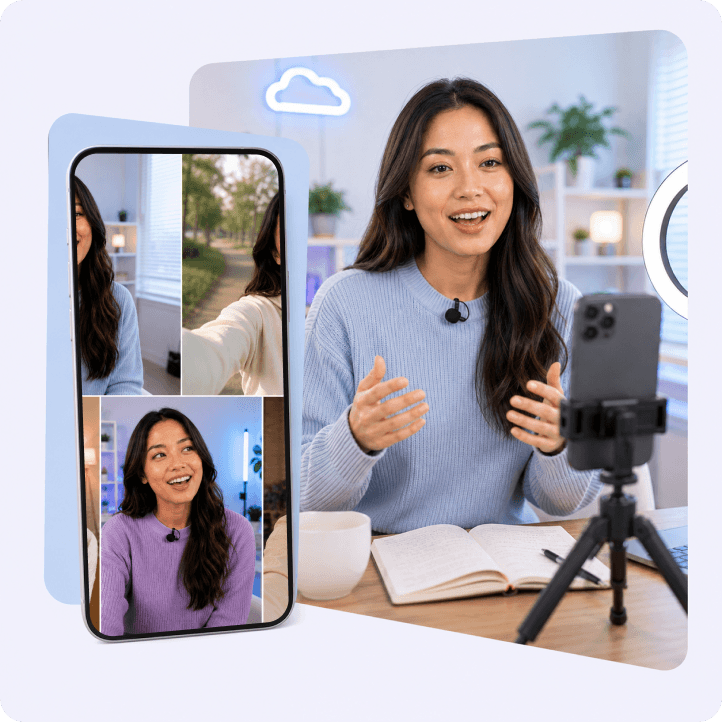
A modern teleprompter app should support the devices you already use, including smartphones, tablets, desktop computers, and webcam teleprompter setups. Cross-platform compatibility allows you to write a script on one device and record on another without changing your workflow.
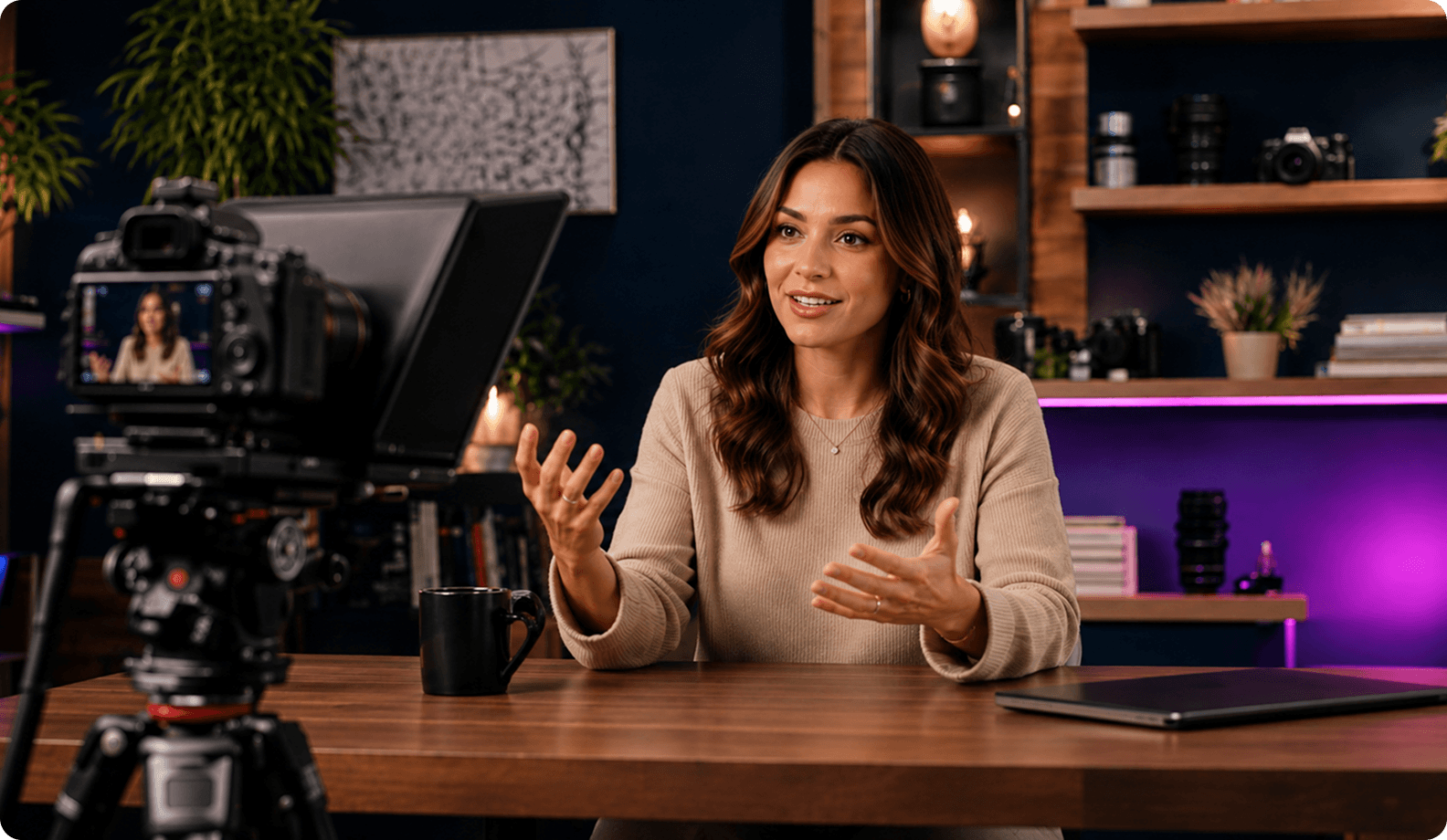

Who Needs a Professional Teleprompter?

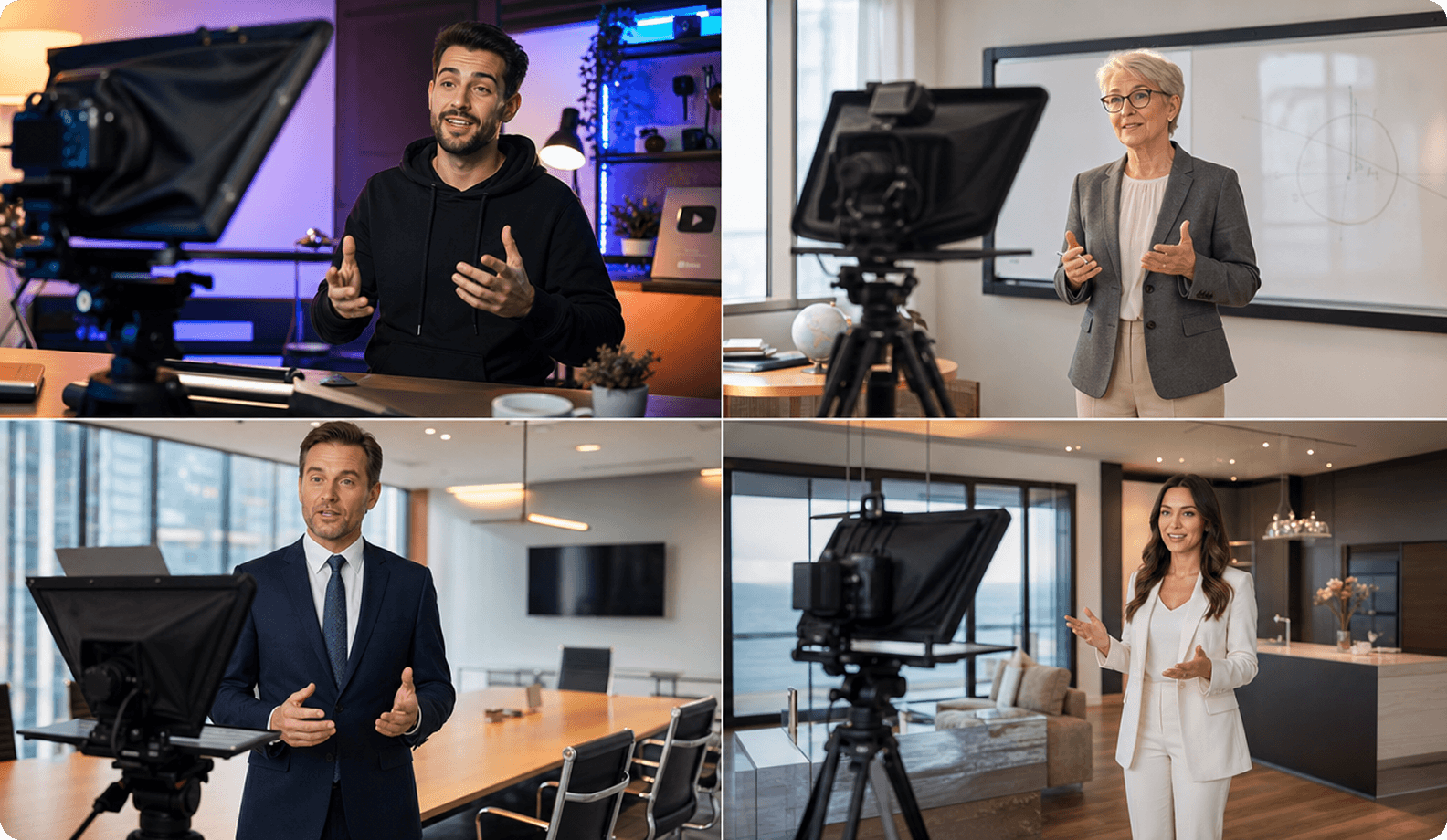
• YouTubers and Content Creators
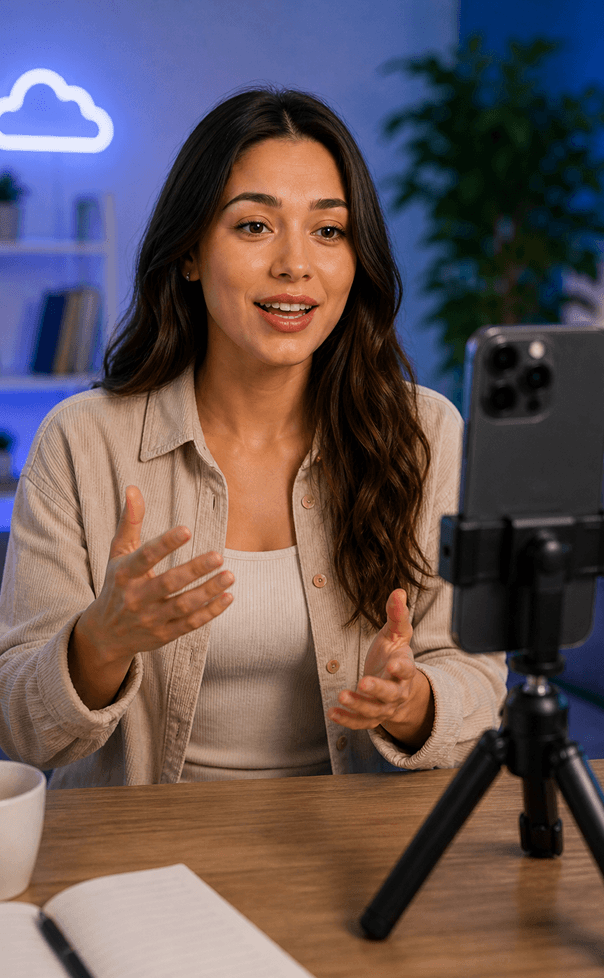
Recording YouTube videos often requires multiple takes because of forgotten lines or awkward pauses. A teleprompter app helps creators maintain eye contact, read while recording, and reduce retakes, making the entire production process faster. Many creators also use a video teleprompter when filming tutorials, reviews, and product demonstrations.

• Educators and Online Course Creators
Online lessons and training videos usually follow a structured script. A teleprompter keeps lessons organized, helping instructors explain complex topics clearly without losing their place or stopping to remember the next point.

• Business Professionals and Marketers
Presentations, webinars, and product pitches require confident delivery. An online teleprompter allows presenters to focus on the camera instead of their notes, resulting in more professional and engaging videos.

• Anyone Who Records Video with a Script
Anyone creating scripted content can benefit from a teleprompter. It helps you stay on script, speak naturally, look directly at the camera, and record with confidence, whether you're producing videos for work, education, or social media.

Watch Teleprompter in Action

Follow this gentle routine designed for seniors to improve balance, flexibility, and relaxation.

FAQ

Got more questions? Reach out to us here
Do I need a physical teleprompter or just a teleprompter app?
It depends on your setup. If you are recording directly into a webcam or smartphone camera, a teleprompter app alone is sufficient. If you use a DSLR or mirrorless camera, combining hardware glass with a teleprompter app is ideal.
What should I look for in a professional teleprompter?
Look for sturdy build quality, high glass clarity, adjustable scroll speed, mirror mode, and robust remote control teleprompter capabilities.
What size teleprompter is best for video recording?
Smaller 9-inch to 10-inch prompts are great for tablets and smartphones on mobile shoots, while 12-inch to 15-inch studio prompters suit larger professional cameras and monitors.
Why is mirror mode important in professional teleprompters?
Mirror mode flips text horizontally so that when reflected through physical beamsplitter glass, it reads correctly to the speaker.
How does remote control improve the recording process?
It grants hands-free command over playback, allowing you to control text scrolling without moving away from your camera lens.
Can teleprompter apps work with professional teleprompter hardware?
Yes, modern applications designed for Mac, Windows, iOS, and Android easily connect to physical hardware rigs via screen mirroring and adjustable text margins.
Do professional creators and businesses use teleprompter apps?
Absolutely. Top creators, educators, and enterprise media teams rely on advanced software suites to ensure flawless video recordings and streamlined workflows.
Continue to Teleprompter
Sign in to save your progress and unlock recording, AI tools, and more.
Continue with Email
Your message has been sent
Thanks for reaching out! Our support team will get back to you as soon as possible.
Back to form
Oops! Something went wrong while submitting the form.
or
Enter security code
We’ve sent a code to your@email.com. Enter it below to continue. Didn’t get it? Check your spam folder. Codes are only sent to registered accounts.
Resend  in 30 sec
Thank you! Your submission has been received!
Oops! Something went wrong while submitting the form.
Authorization successful
Your account is ready. Let’s get started.
Opening your plan