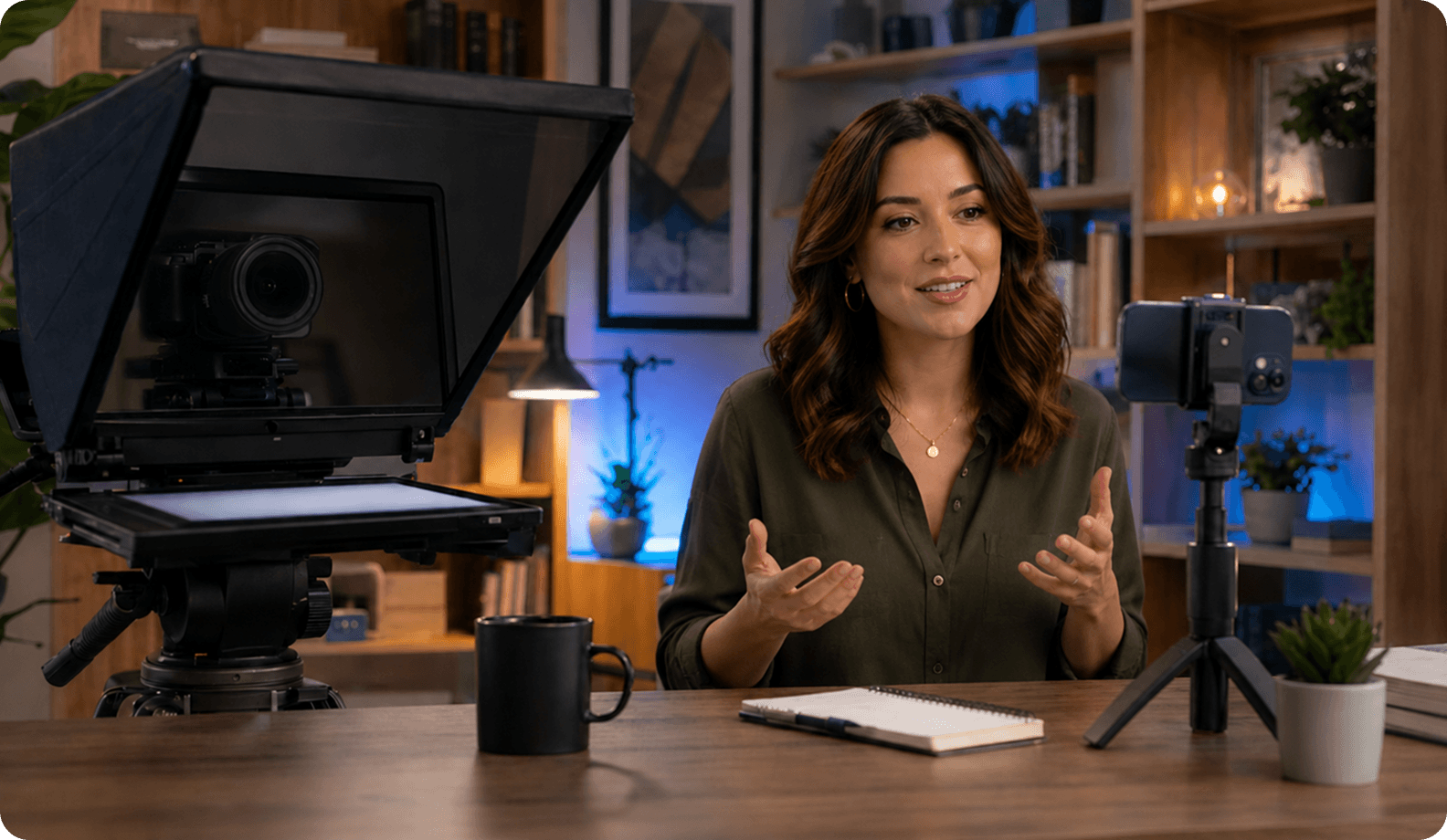
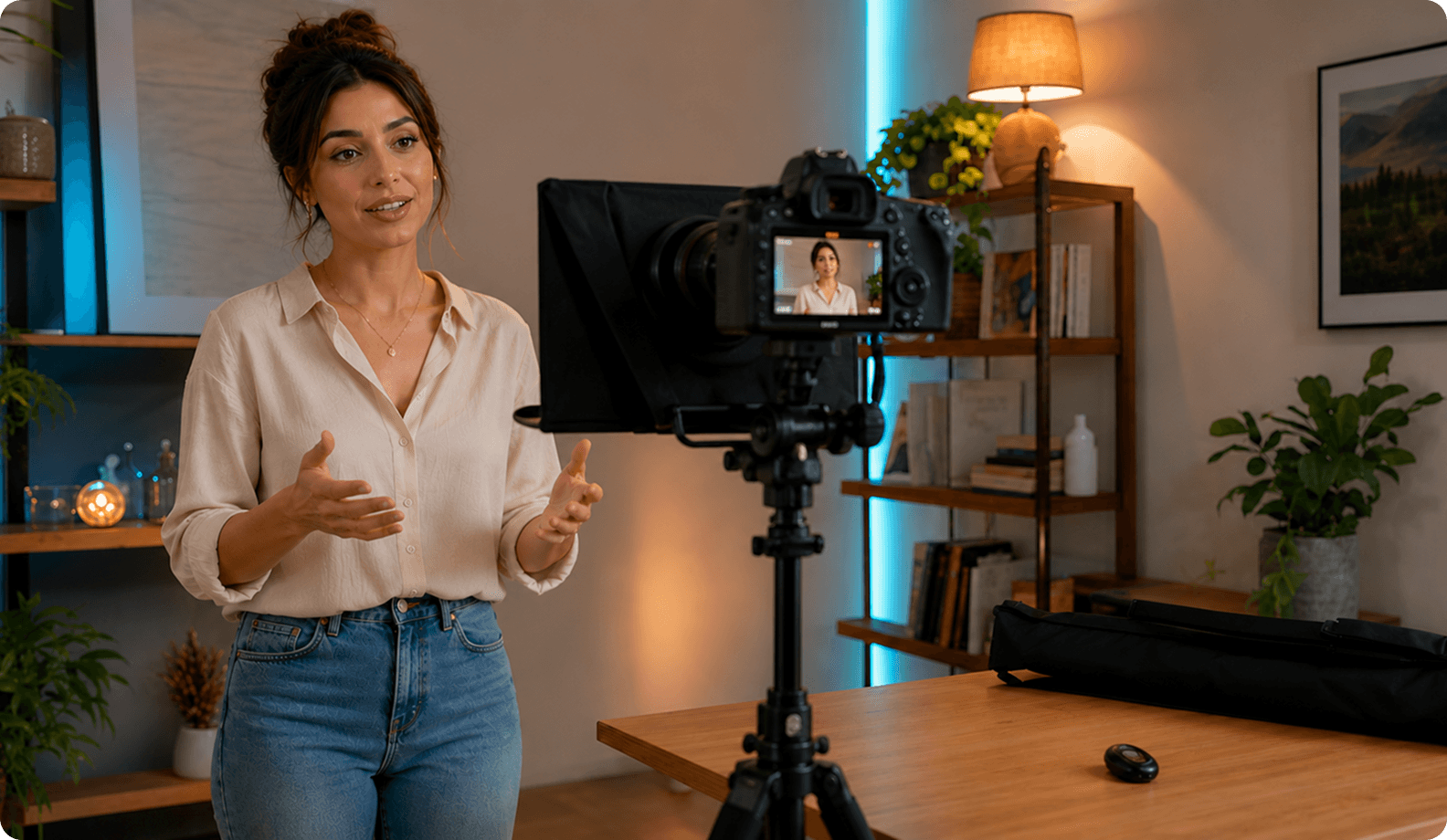
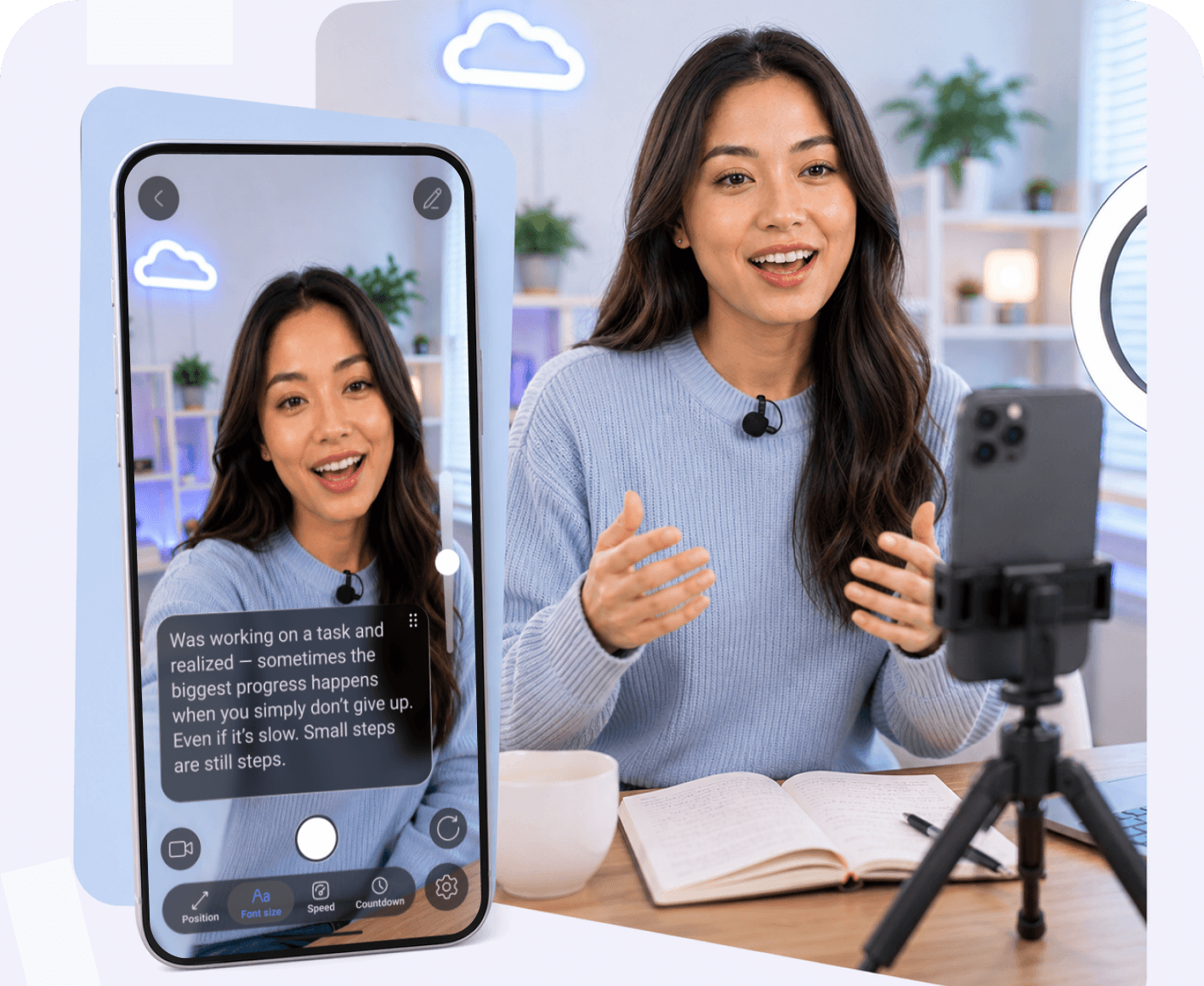
Autocue or Teleprompter: What’s the real difference?

Emma Brooks
8 min read
19 Feb, 2026
Have you ever wondered whether there is a true technological divide between the studio buzzword "autocue" and the household term "teleprompter"? While both tools serve the exact same ultimate purpose of keeping you on script, their historical roots and modern digital incarnations tell a fascinating story. Whether you are searching for an autocue app or teleprompter app, understanding these nuances will elevate your video production quality.
Reviewed by
Teleprompter app Team
This article was reviewed by our content and product team to ensure accuracy, clarity, and practical value for creators, educators, and professionals recording videos with teleprompter tools.

Autocue vs Teleprompter: Is There a Real Difference?

When diving into video creation, you will often hear terms like teleprompter and autocue used interchangeably. At their core, both refer to display devices or software that prompt the person speaking with an electronic visual text of a speech or script. A teleprompter app ensures you never forget a line, allowing you to speak with confidence and maintain eye contact with your audience without memorizing exhaustive paragraphs.

Whether you are recording an explainer video using a video recording teleprompter app or delivering a keynote presentation, the objective remains identical: smooth, flawless delivery. Creators across all platforms from ipad teleprompter app users to those working on a desktop teleprompter benefit from seeing rolling text right in front of their eyes, eliminating awkward pauses and reducing the need for countless retakes.

Why There Are Two Names for the Same Technology

The duality in naming conventions largely stems from branding history and geographical broadcasting traditions. The word "Teleprompter" was originally a trademark registered in the 1950s by Teleprompter Corporation, co-founded by former stage actor Fred Barton Jr., business executive Irving Kahn, and entertainer John B. Gambling. It quickly became the genericized trademark for the entire industry in North America.

On the other hand, "Autocue" originated as a proprietary brand name in the United Kingdom by Autocue Systems, which became the dominant supplier for British broadcasters like the BBC. Over decades of television production, regional preferences cemented these terms into everyday lexicon, even as the hardware evolved into sophisticated teleprompter pro software suites and online teleprompter tools.

One Teleprompter — Every Device

Access your scripts across all devices with one account
Try Online
or

Where the Term Autocue Is Used vs Teleprompter

Geographical broadcasting culture dictates how professionals refer to prompt equipment. In British, Australian, and South African broadcasting circles, professionals frequently ask for an autocue online or refer to studio floor monitors as "the autocue." Meanwhile, in American media, corporate video production, and digital content creation, teleprompter remains the undisputed standard term.

Today, with the rise of global digital content creators, these regional lines have blurred significantly. A creator looking for an autocue app for ipad or an autocue app for mac will find that modern software developers use both keywords interchangeably to capture global search traffic, whether users prefer a teleprompter app for iphone or a robust teleprompter program for mac.
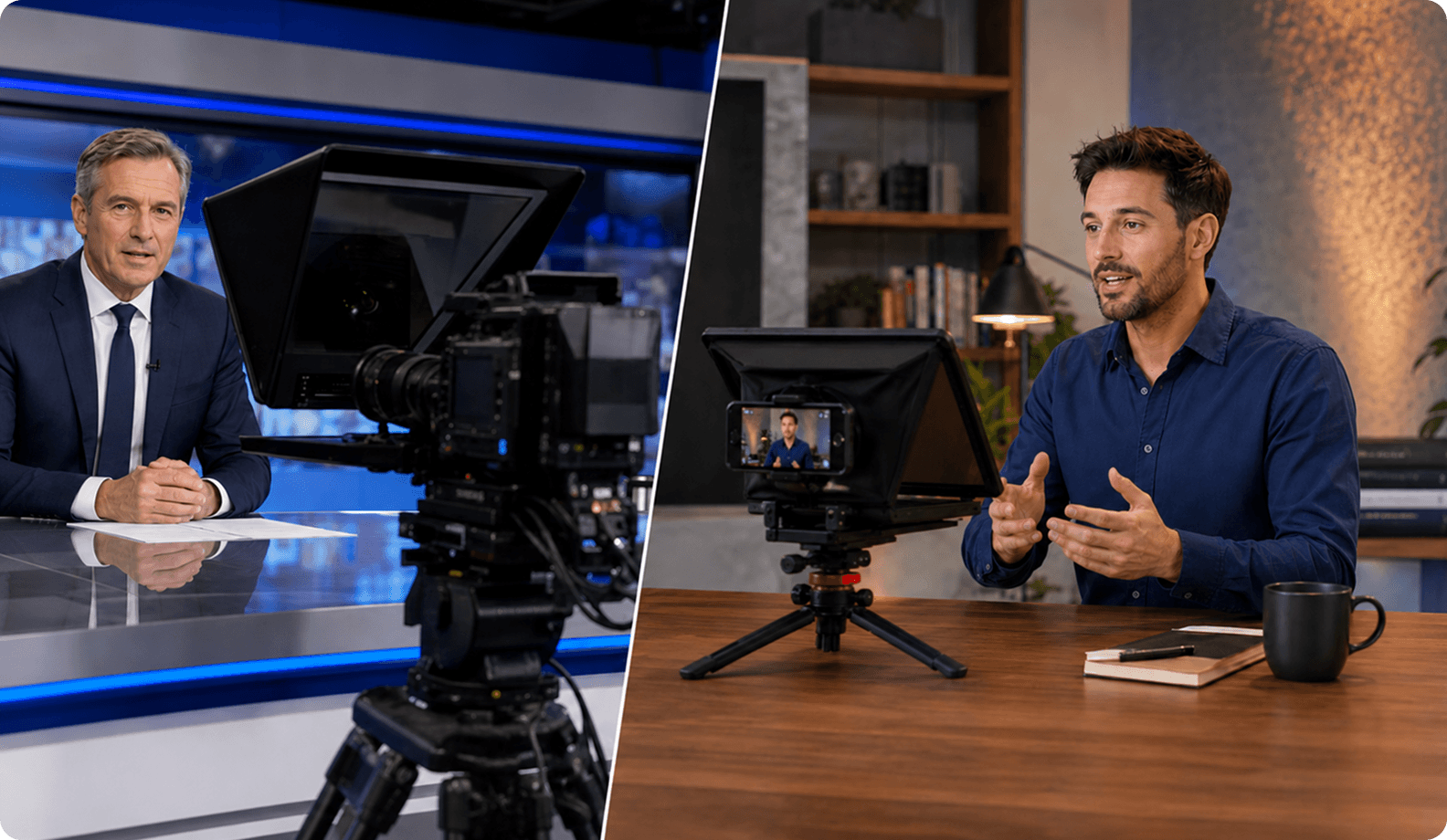

Why Modern Teleprompter(Autocue) Apps Have Replaced Traditional Autocue Systems

Gone are the days of bulky glass rigs, specialized hardware mirrors, and expensive broadcast technicians. Today’s creators demand flexibility. Modern software solutions bring studio-grade prompting right to your personal devices, offering adjustable scroll speed, adjustable text size, and advanced features like mirror mode for physical glass setups.

Furthermore, cutting-edge tools now integrate artificial intelligence to solve common production bottlenecks. With features like an AI script generator, AI eye contact correction, and voice activated scrolling, you can record without memorizing a single word. Whether you need a free online prompter that works instantly in browser or a dedicated mobile teleprompter for on-the-go vlogging, modern applications ensure professional video creation is accessible to everyone

Watch Teleprompter in Action

Follow this gentle routine designed for seniors to improve balance, flexibility, and relaxation.

FAQ

Got more questions? Reach out to us here
How does a teleprompter app help you look more confident on camera?
By using a teleprompter app, you stay focused on camera and look directly at the camera lens instead of glancing down at notes. This builds immediate trust with your viewers, helping you speak naturally and pitch with confidence.
Do professional creators use teleprompter apps?
Absolutely. Professional YouTubers, course creators, and corporate communicators rely on a teleprompter app for video recording to deliver dense technical information smoothly, ensuring flawless video recordings and professional videos every time.
What features should a professional teleprompter app include?
A top-tier tool should offer adjustable text size, adjustable scroll speed, remote control teleprompter integration, script scrolling, and advanced AI additions such as AI eye contact and automatic captions / AI captions.
Can I use a teleprompter app with a physical teleprompter setup?
Yes! Many creators run an android prompter app, teleprompter for ipad, or teleprompter for mac inside a physical glass rig by simply activating mirror mode to flip the text correctly.
Do teleprompter apps help reduce recording time?
Significantly. Because you never forget a line and can reduce retakes, your recording sessions become streamlined, saving hours of editing time while ensuring you stay on script.
Can teleprompter apps help with social media content creation?
Yes. A teleprompter app is one of the easiest ways to create polished content for platforms like TikTok, Instagram Reels, YouTube Shorts, LinkedIn, and Facebook without memorizing a script.
Continue to Teleprompter
Sign in to save your progress and unlock recording, AI tools, and more.
Continue with Email
Your message has been sent
Thanks for reaching out! Our support team will get back to you as soon as possible.
Back to form
Oops! Something went wrong while submitting the form.
or
Enter security code
We’ve sent a code to your@email.com. Enter it below to continue. Didn’t get it? Check your spam folder. Codes are only sent to registered accounts.
Resend  in 30 sec
Thank you! Your submission has been received!
Oops! Something went wrong while submitting the form.
Authorization successful
Your account is ready. Let’s get started.
Opening your plan